Keep your store in development while preparing it. Use provider test modes and sample data.
Check your theme and navigation
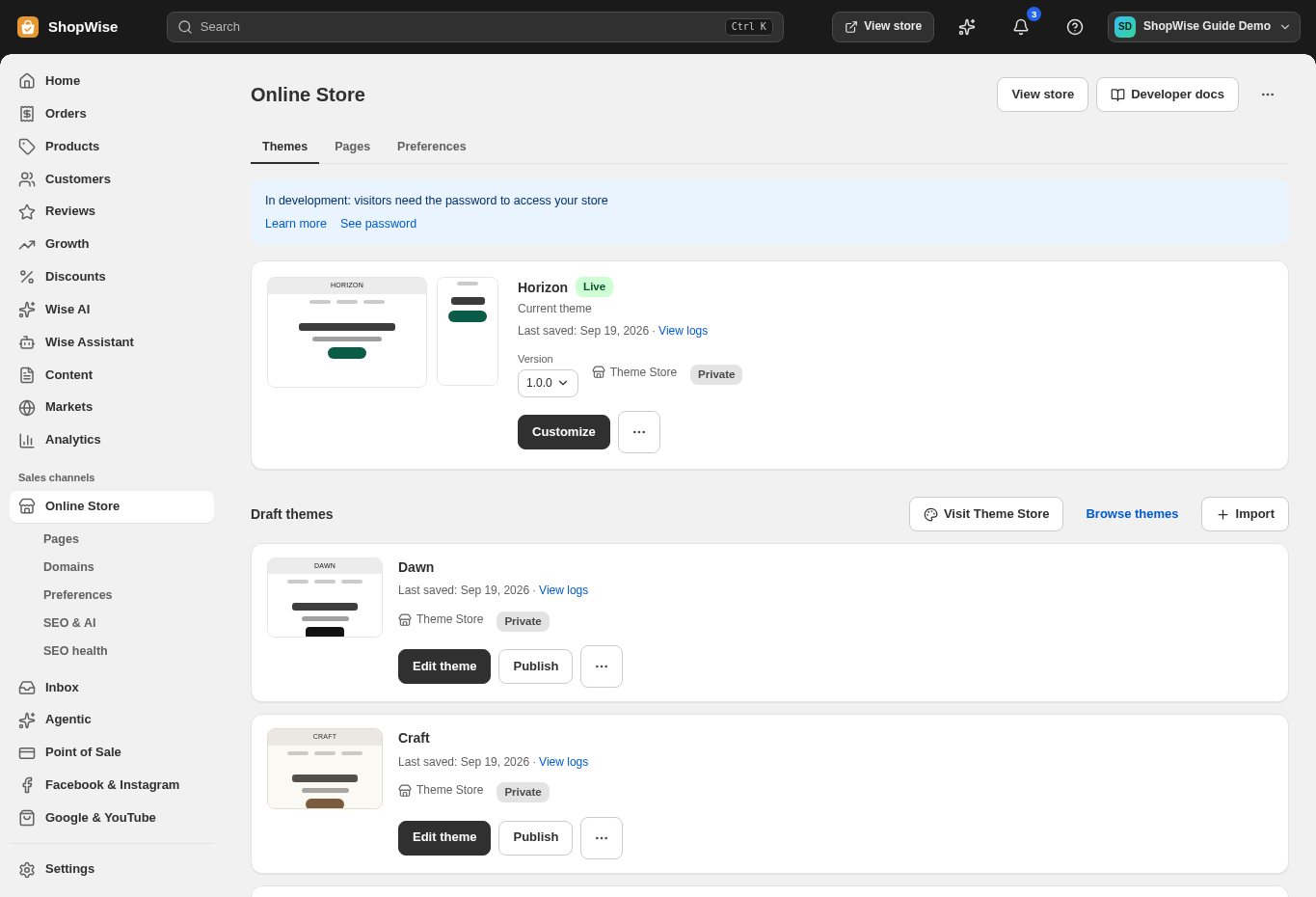
Open Online Store and confirm which theme is live. Preview the home page, collections, product pages, navigation, footer, and contact information on phone and desktop.
Check catalog details
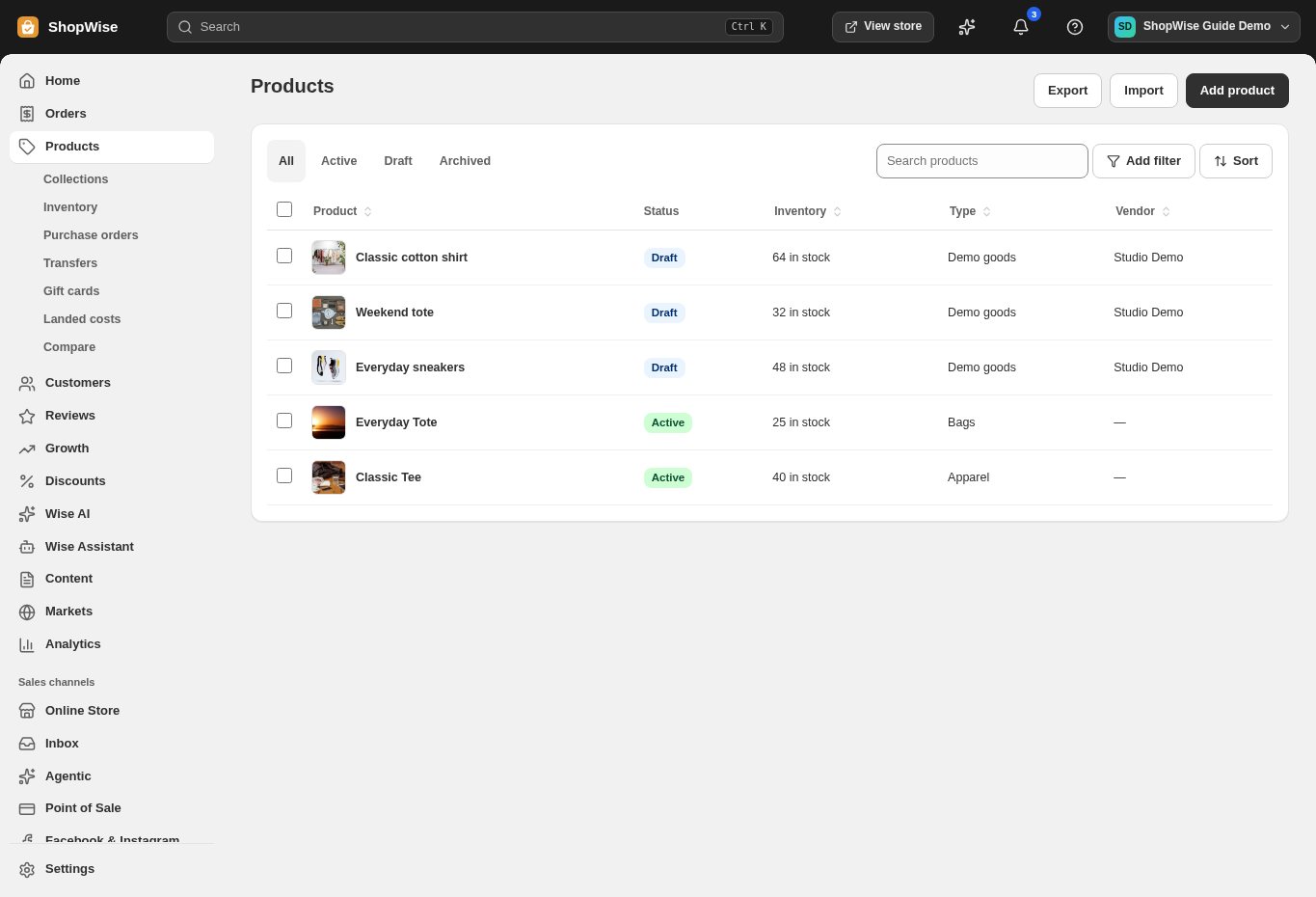
Review images, descriptions, prices, variants, and stock. Confirm that unfinished products stay in Draft and that active products can be found through collections or navigation.
Test payment and delivery
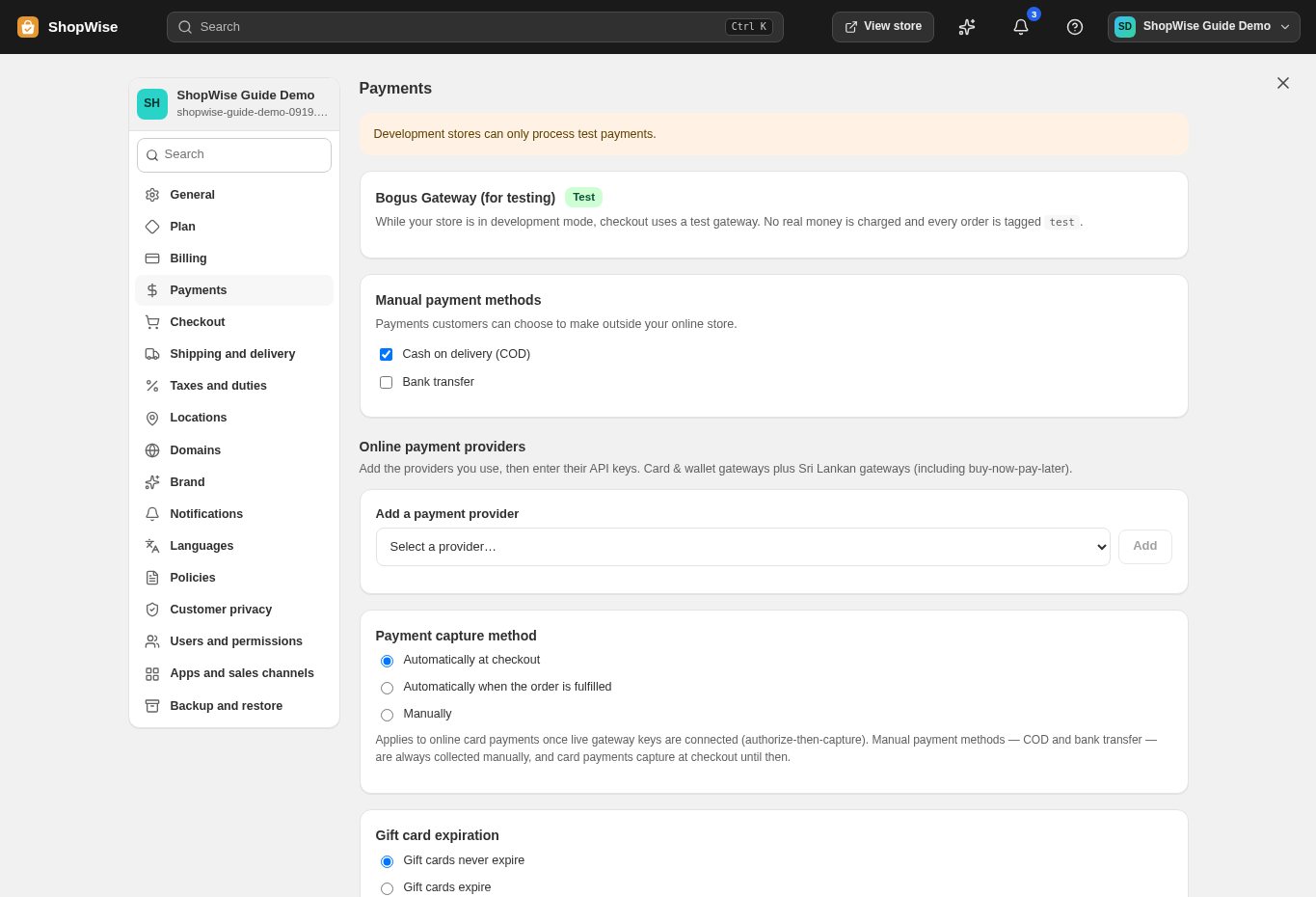
Check payment test mode, shipping zones, rates, tax settings, and discount behavior. Use realistic sample addresses and test both successful and unsuccessful payment flows where your provider supports them.
Confirm the order and launch requirements
Verify the resulting order, notification, and fulfillment process. Before removing development restrictions, confirm your domain, commercial package, live payment credentials, business policies, and readiness to fulfill real orders.
CHECK YOUR WORK
You’re ready when…
- Confirm the correct store name in the admin before making changes.
- Review the saved result in your storefront or admin.
- Complete the launch checklist before sharing your store.
IF SOMETHING DOESN’T LOOK RIGHT
Troubleshooting
I cannot find this page or action.
Check the store shown at the top of the admin. On a phone, open the navigation menu first. Ask the store owner to confirm your permissions and whether the feature is available for this store.
My change is not visible in the storefront.
Confirm the change was saved, then open the correct storefront in a separate tab. Check product status and the published theme. A preview or draft can differ from the live store.
What should I send support?
Send your store address, the page you were using, the steps you took, and the exact error text. Include a screenshot with private customer details hidden. Do not share passwords, API keys, or full payment information.
Keep going
- Open your Lulu store: from signup to going live →
- Connect an existing domain →
- Connect a payment provider →
- Set up shipping and delivery →