



ShipStation
Send orders to ShipStation and get tracking back automatically
1. Review the fit
Free app made by Lulu. Connect the ShipStation account you already ship from: Lulu gives you a Custom Store URL with its own username and password; you paste them into ShipStation once, and ShipStation pulls your paid, unfulfilled orders on its own schedule - line items, quantities, the shipping address, the service the shopper chose. When you ship in ShipStation, it posts the tracking number back: the order is fulfilled here, the carrier and tracking link are recorded, inventory moves, and the shipping-confirmation email goes out. Choose which order statuses ShipStation sees, how far back the export looks, and whether the customer is notified. An optional API mode (your ShipStation key and secret) pushes orders instead of waiting to be polled. Carriers are the ones on your ShipStation account (mostly US and international carriers). You pay ShipStation for your plan and your carriers for postage; Lulu charges nothing. Some functionality is available, while other capabilities may still be planned. Review the live listing before relying on a particular workflow.
2. Check requirements
Check these requirements before installing.
- Requires your own ShipStation account. Real, built-in ShipStation integration — it needs your own ShipStation account to do anything. Once connected: Lulu gives you a Custom Store URL with its own username and password, ShipStation pulls your paid, unfulfilled orders on its schedule, and the tracking number it posts back creates the fulfillment here, records the carrier and a working tracking link, moves inventory and sends the shipping email. You choose which order statuses it sees, how far back the export looks and whether the customer is notified, and every pull and shipment notice is in the activity log. An optional API mode (your ShipStation key and secret) pushes orders instead of waiting to be polled. What needs the provider: a ShipStation plan and your carrier accounts — Lulu charges nothing and never touches your ShipStation billing. Buying labels inside Lulu is a different app (Shippo), and Lulu is not listed in the ShipStation Marketplace — the Custom Store contract is how it connects.
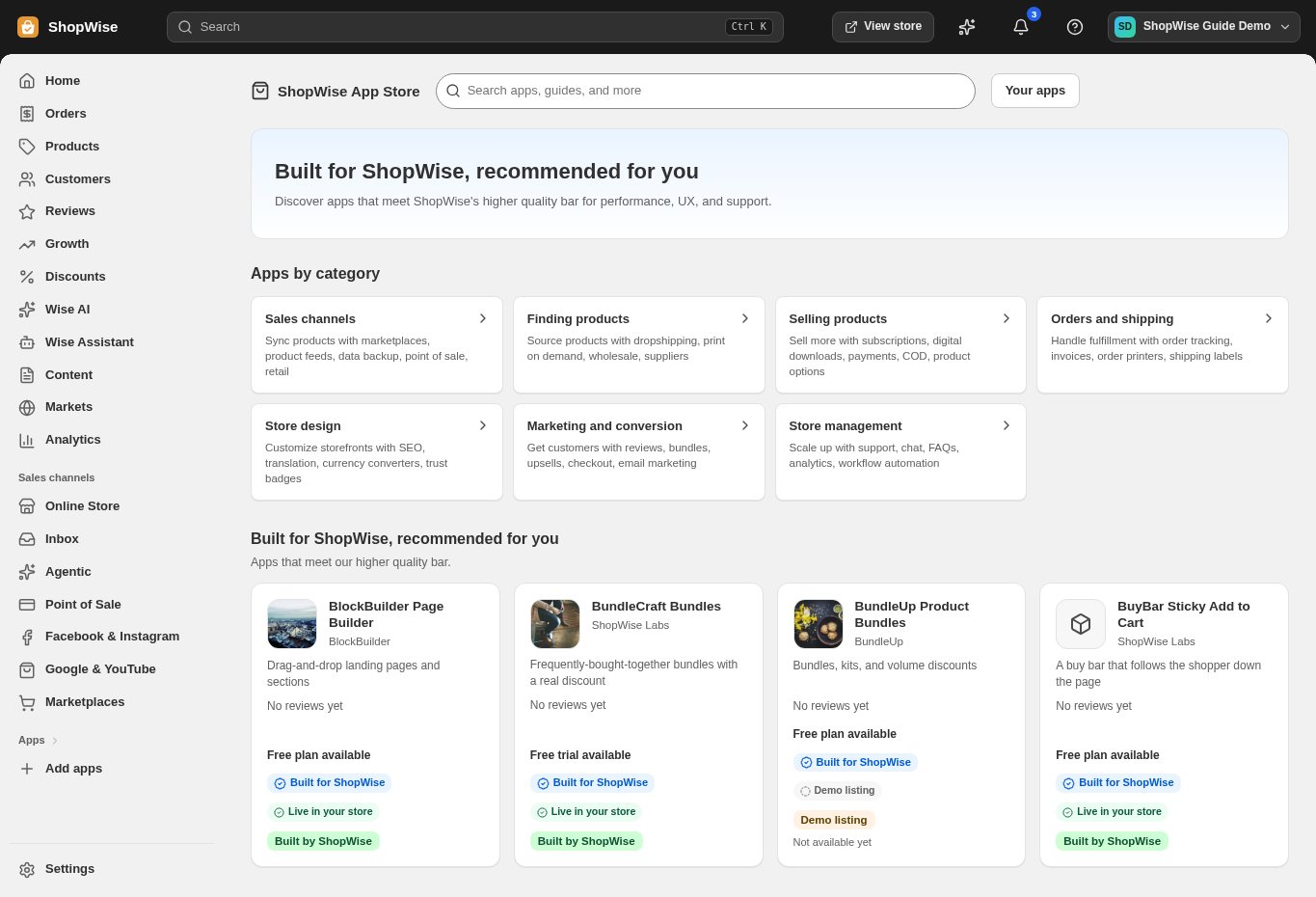
3. Choose and install
Sign in to the store where you want to use the app. Review its requested access and choose a plan that fits your usage. Paid plans and provider charges are separate from your store package.
4. Configure and preview
Open the app from your admin and complete its setup. If it adds a storefront component, enable the appropriate app block or section in your theme. Preview on desktop and mobile before publishing.
5. Test the customer journey
Use sample products or a test order to check the result. Review app usage and plan limits before increasing traffic. Contact the app’s support team through the listing if the result differs from what you expected.