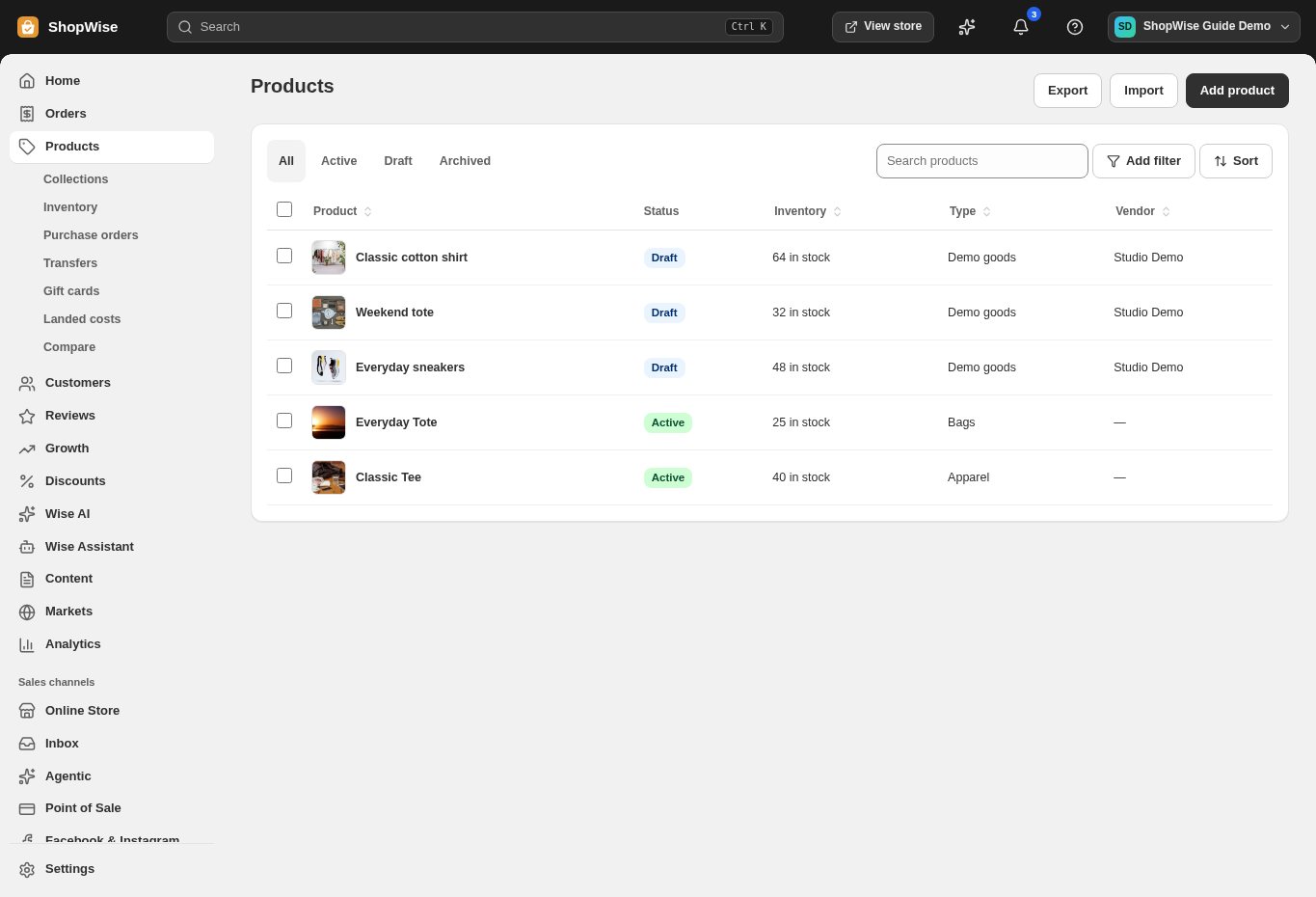
Browser register
Open your register on a supported device without maintaining a separate catalog.




Point of sale
Use the browser-based register for in-person sales, with products, customers, and orders connected to your store.
Built around your business
Open your register on a supported device without maintaining a separate catalog.

Find items and variants quickly while serving a customer.
Attach a customer to the sale so purchase history stays together.
A closer look
Explore point of sale alongside the tools you use every day. See how the pieces fit before you build your workflow.
Explore the product tour ↗Screens shown use demonstration data. Availability and connected services depend on your setup.
Apply eligible discounts using the same store rules.
Organize in-person sales around your configured locations and registers.
Review completed transactions alongside your other orders.
From idea to everyday
Configure your locations and register.
Check products, prices, stock, and payment methods.
Run a test sale before using the register with customers.
Provider accounts, usage limits, and package requirements may apply. Compare the packages.
No. Hardware, payment processing, and advanced retail add-ons are separate. Check compatibility before purchasing equipment.
Yes, with a supported browser, connectivity, and configured payment methods. Test your setup before the event.
Create your store, explore the tools, and get help bringing your idea to life.