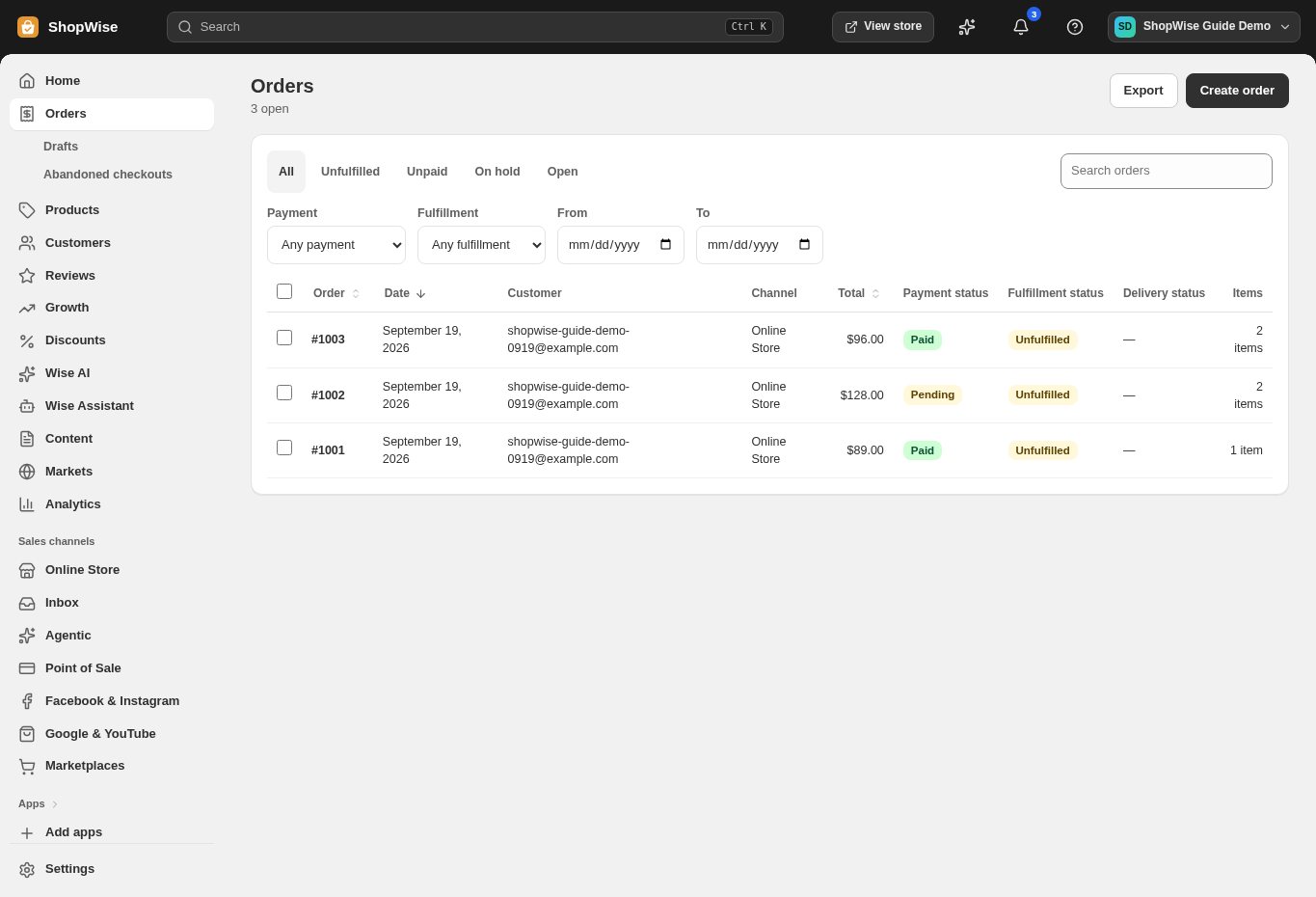
An organized order queue
Search orders, filter by status, and open a full view of payment, customer, and delivery information.




Orders & inventory
Keep orders, stock, fulfillment, and returns in one workspace, so your team knows what needs to happen next.
Built around your business
Search orders, filter by status, and open a full view of payment, customer, and delivery information.

Build an order for a customer, adjust items and discounts, and complete the sale through the appropriate payment flow.
Track products and stock movements across your configured locations.
A closer look
Explore orders & inventory alongside the tools you use every day. See how the pieces fit before you build your workflow.
Explore the product tour ↗Screens shown use demonstration data. Availability and connected services depend on your setup.
Manage purchase orders and move inventory between locations with a record of each change.
Record fulfilled quantities, add tracking details, and keep customers informed.
Manage returns and refunds from the order, with amounts and permissions checked on the server.
From idea to everyday
Add products, variants, and opening stock.
Review incoming orders and payment status.
Fulfill, add tracking, and manage follow-up.
Provider accounts, usage limits, and package requirements may apply. Compare the packages.
Yes. Invite staff and assign appropriate roles. The number of staff accounts depends on your package.
Yes. Configure locations and stock in the admin. Review package limits and delivery requirements before expanding.
Create your store, explore the tools, and get help bringing your idea to life.