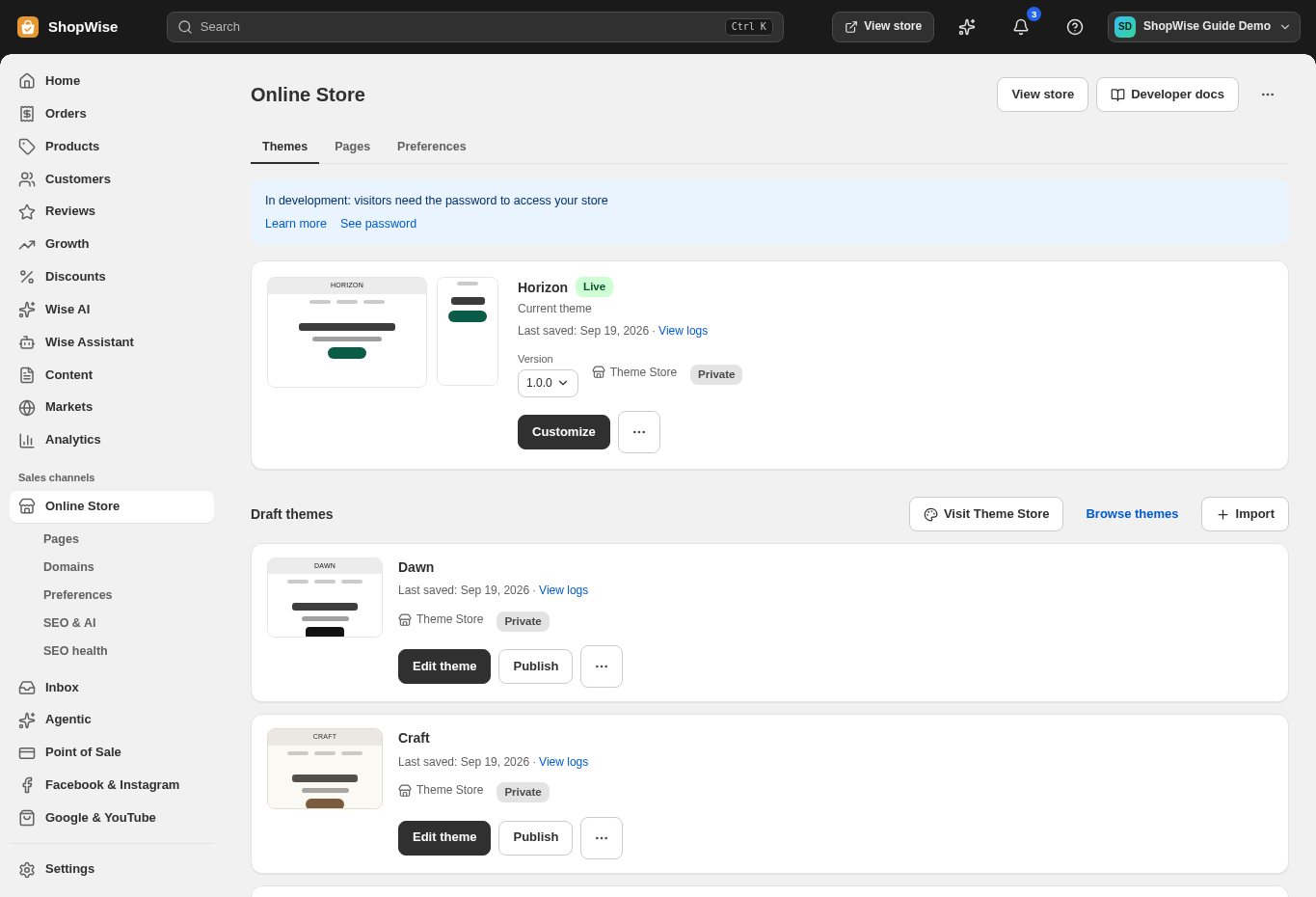
Make it your own
Arrange sections, choose colors and typography, and build navigation around the way your customers shop.




Online store
Turn your products into a storefront people want to explore. Choose a theme, shape your pages, and preview every change before publishing.
Built around your business
Arrange sections, choose colors and typography, and build navigation around the way your customers shop.

Bring together product images, variants, descriptions, collections, and related products.
Preview layouts for phones and desktop while keeping a single storefront to maintain.
A closer look
Explore online store alongside the tools you use every day. See how the pieces fit before you build your workflow.
Explore the product tour ↗Screens shown use demonstration data. Availability and connected services depend on your setup.
Keep work in a draft theme and share a preview before making it your live storefront.
Edit page titles, descriptions, URLs, and image alternative text as you build.
Start with a Lulu address, then connect the domain your customers already know.
From idea to everyday
Choose a theme that suits your catalog.
Add products and customize your sections.
Preview the store, connect payments, and publish.
Provider accounts, usage limits, and package requirements may apply. Compare the packages.
No. Use the visual theme editor to change supported sections, styles, and content. Developers can use the theme code tools for more specific changes.
Yes. Connect your domain in your store settings and follow the DNS instructions. Domain registration is a separate cost.
Create your store, explore the tools, and get help bringing your idea to life.