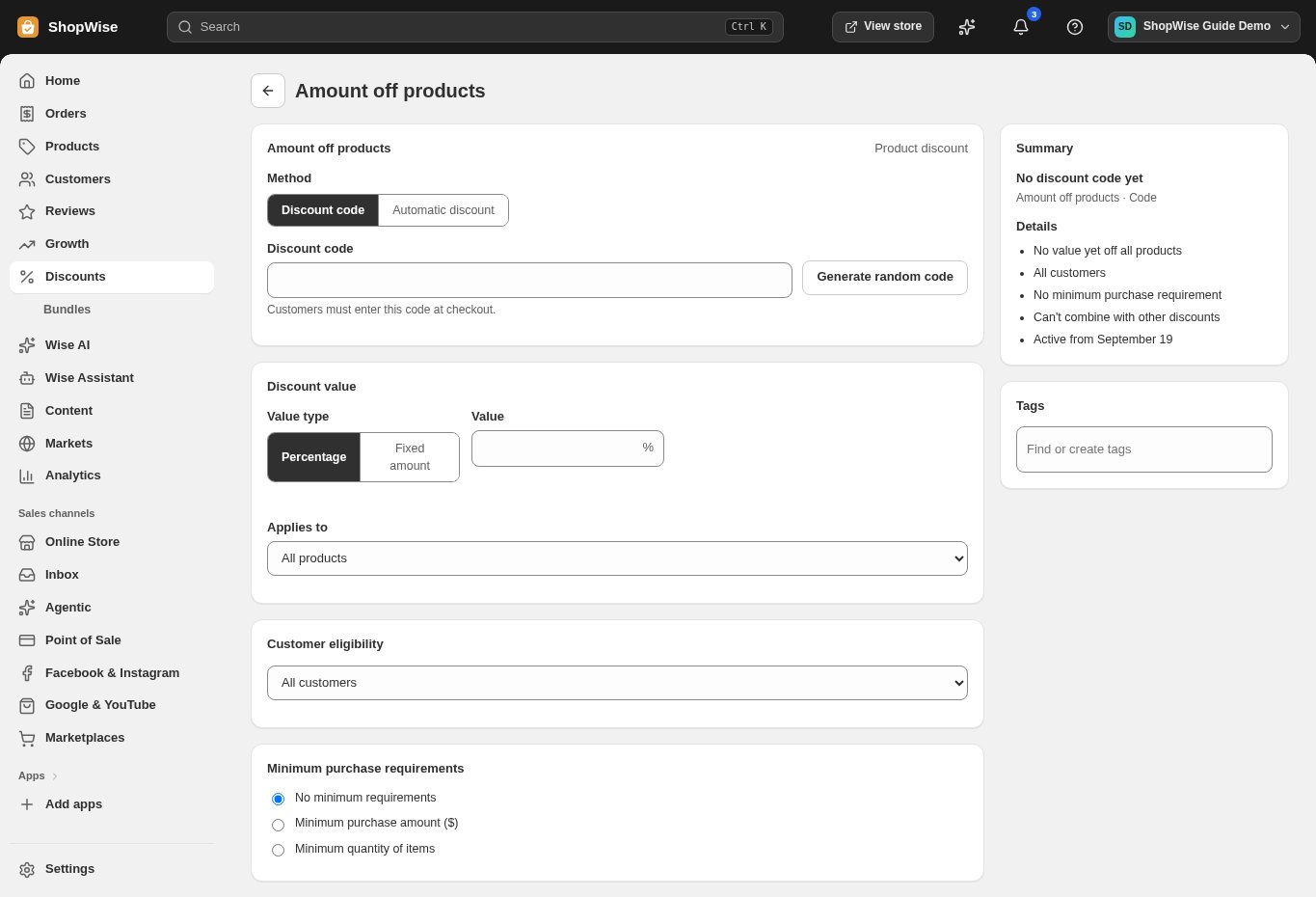
Discount codes
Give customers a code for eligible products or orders.




Discounts
Create offers that fit your products and margins, with limits that keep promotions under control.
Built around your business
Give customers a code for eligible products or orders.

Apply qualifying offers without requiring a customer to enter a code.
Build product-based promotions with explicit purchase requirements.
A closer look
Explore discounts alongside the tools you use every day. See how the pieces fit before you build your workflow.
Explore the product tour ↗Screens shown use demonstration data. Availability and connected services depend on your setup.
Set qualifying spend or quantity to protect your promotion economics.
Control start and end times, usage counts, and customer eligibility.
Review discount activity alongside orders and campaign results.
From idea to everyday
Choose an offer type and eligible products.
Set dates, requirements, and usage limits.
Test the offer in a cart before sharing it.
Provider accounts, usage limits, and package requirements may apply. Compare the packages.
Combination behavior depends on the offer settings. Test the combinations you intend to allow.
Set start and end times in the discount settings and review the timezone shown in your admin.
Create your store, explore the tools, and get help bringing your idea to life.