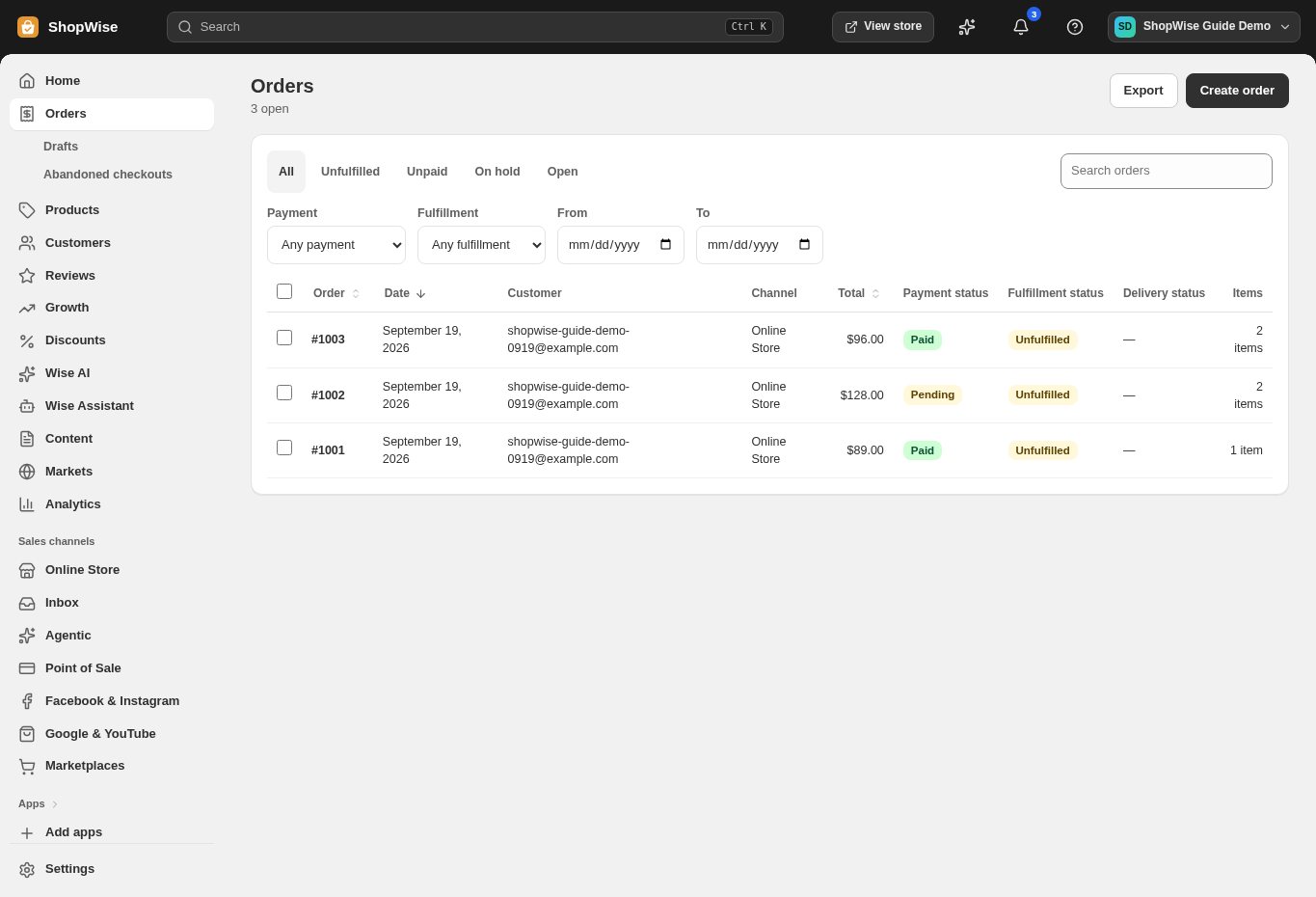
A clear order summary
Show products, quantities, discounts, shipping, and totals before a customer places an order.




Checkout
Bring delivery, discounts, and payment together in a checkout that works with your store and its customers.
Built around your business
Show products, quantities, discounts, shipping, and totals before a customer places an order.

Offer the shipping and pickup options you have configured for the customer’s location.
Connect supported card processors and local gateways, or offer manual payment methods.
A closer look
Explore checkout alongside the tools you use every day. See how the pieces fit before you build your workflow.
Explore the product tour ↗Screens shown use demonstration data. Availability and connected services depend on your setup.
Validate codes, minimum spends, usage limits, and eligible products at checkout.
Set your checkout branding so the move from browsing to buying feels familiar.
Review abandoned checkouts and follow up through your configured recovery tools.
From idea to everyday
Set up delivery zones and payment methods.
Choose branding and customer information settings.
Place a test order from product page to confirmation.
Provider accounts, usage limits, and package requirements may apply. Compare the packages.
No. Your payment provider sets its processing charges. Lulu platform fees depend on your package; see the pricing matrix.
Yes. Use the test or sandbox options supported by your payment provider and check your shipping and tax settings before going live.
Create your store, explore the tools, and get help bringing your idea to life.