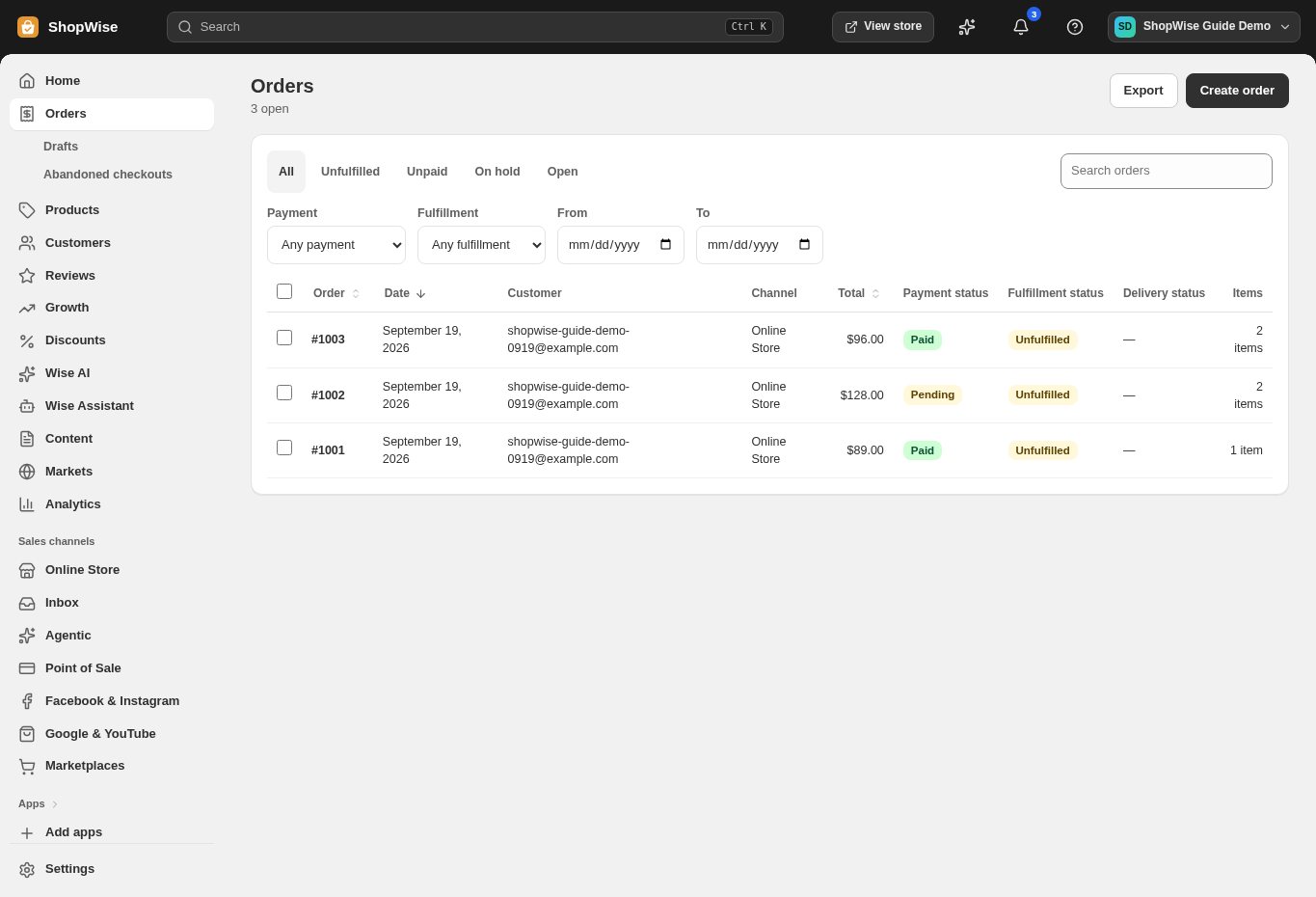
Event-based workflows
Start supported automations from events such as paid orders.




Automation
Connect supported store events to useful actions, and keep a record of the workflows you set in motion.
Built around your business
Start supported automations from events such as paid orders.

Connect order activity to configured notification and fulfillment workflows.
Use supported campaign and recovery tools for timely communication.
A closer look
Explore automation alongside the tools you use every day. See how the pieces fit before you build your workflow.
Explore the product tour ↗Screens shown use demonstration data. Availability and connected services depend on your setup.
Send supported event notifications to your own systems.
Configure credentials and destinations for each connected tool.
Test with representative events and check the resulting actions before scaling.
From idea to everyday
Choose a supported event and desired outcome.
Configure the action and any connected service.
Test the workflow and monitor its activity.
Provider accounts, usage limits, and package requirements may apply. Compare the packages.
Use available API and webhook capabilities, with suitable authentication and error handling.
No. Available triggers and actions define what can be automated. Keep human review for decisions that need it.
Create your store, explore the tools, and get help bringing your idea to life.