Launch your first store
Build a catalog, choose a theme, connect payments, and check the whole customer journey.




LULU HELP CENTER
Your A–Z guide to starting, running, and growing with Lulu.
Search steps, checklists, and troubleshooting answers. Browse the A–Z manual ↗
No matching guides. Try a shorter phrase such as “payment” or “inventory”, browse the manual, or contact support.
Full user manualPopular: Open your storeAdd a productConnect a domainLaunch checklist
YOUR COMPLETE REFERENCE
From your first sign-in to daily operations: products, orders, customers, content, payments, settings, and reporting.
Choose a theme, build page layouts, customize styles, enable app components, edit supported code, and manage theme packages.
Find an app, review its requirements and charges, configure it, connect its theme components, and manage updates.
Create a development workspace, submit apps and themes, upload theme packages, maintain listings, and understand release behavior.
Plan your supplier setup, connect a supported provider, price products, fulfill orders, and coordinate returns.
Set up your counter, pair devices, authorize staff, complete sales, reconcile cash, handle returns, and recover offline sales.
Start with what you want to do
93 step-by-step guides, 18 app guides, and real screenshots from our demonstration store.
Build a catalog, choose a theme, connect payments, and check the whole customer journey.
Understand activation, choose your provider, plan pricing, and test supplier fulfillment.
Stay on top of inventory, orders, customers, and the people working in your store.
Find your way
Create your store and get to know your admin.
Build a catalog customers can shop with confidence.
Themes, domains, and the look of your brand.
Connect payments and prepare to fulfill orders.
Review purchases and keep the next step clear.
Build offers and understand store performance.
Install and configure the extras your store needs.
Sign in, compare packages, and get help.
Plan provider connections, pricing, fulfillment, and supplier support.
Pages, blogs, files, structured content, and search settings.
POS, B2B, marketplaces, subscriptions, and optional selling tools.
Checkout, notifications, privacy, backups, and account access.
Development stores, theme packages, app submissions, and listing releases.
New around here?
Our admin walkthrough shows where things live, using screenshots from a real demonstration store.
Get to know your admin ↗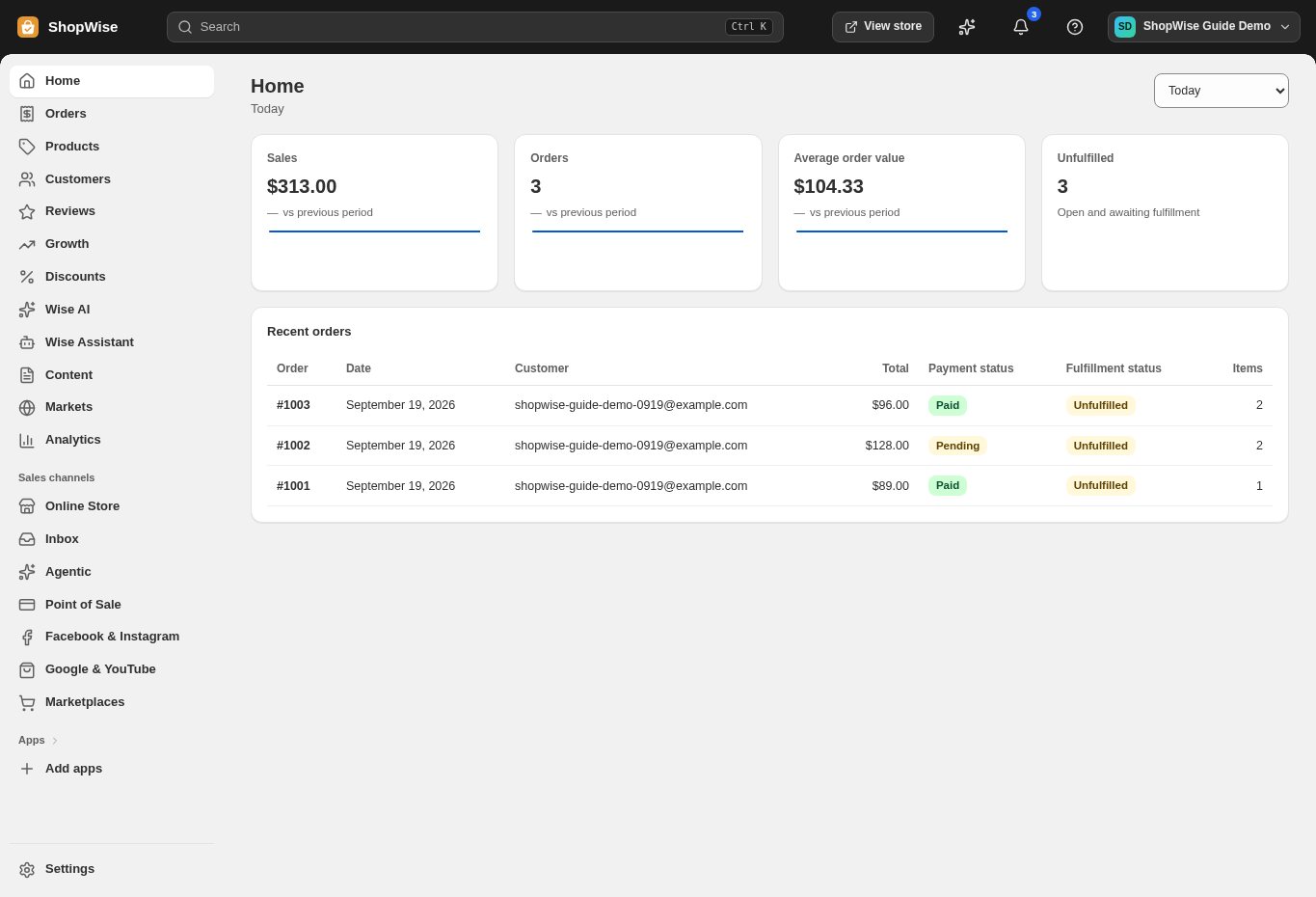
Tell us your store address and what you’re trying to do. Leave out passwords and payment secrets.