Regional rules
Organize tax settings around your selling regions and business registration requirements.




Taxes & duties
Configure how tax appears in your prices and orders, with settings for the regions where you sell.
Built around your business
Organize tax settings around your selling regions and business registration requirements.

Review product tax settings so your catalog uses the appropriate treatment.
Show tax alongside items and delivery in the checkout summary.
A closer look
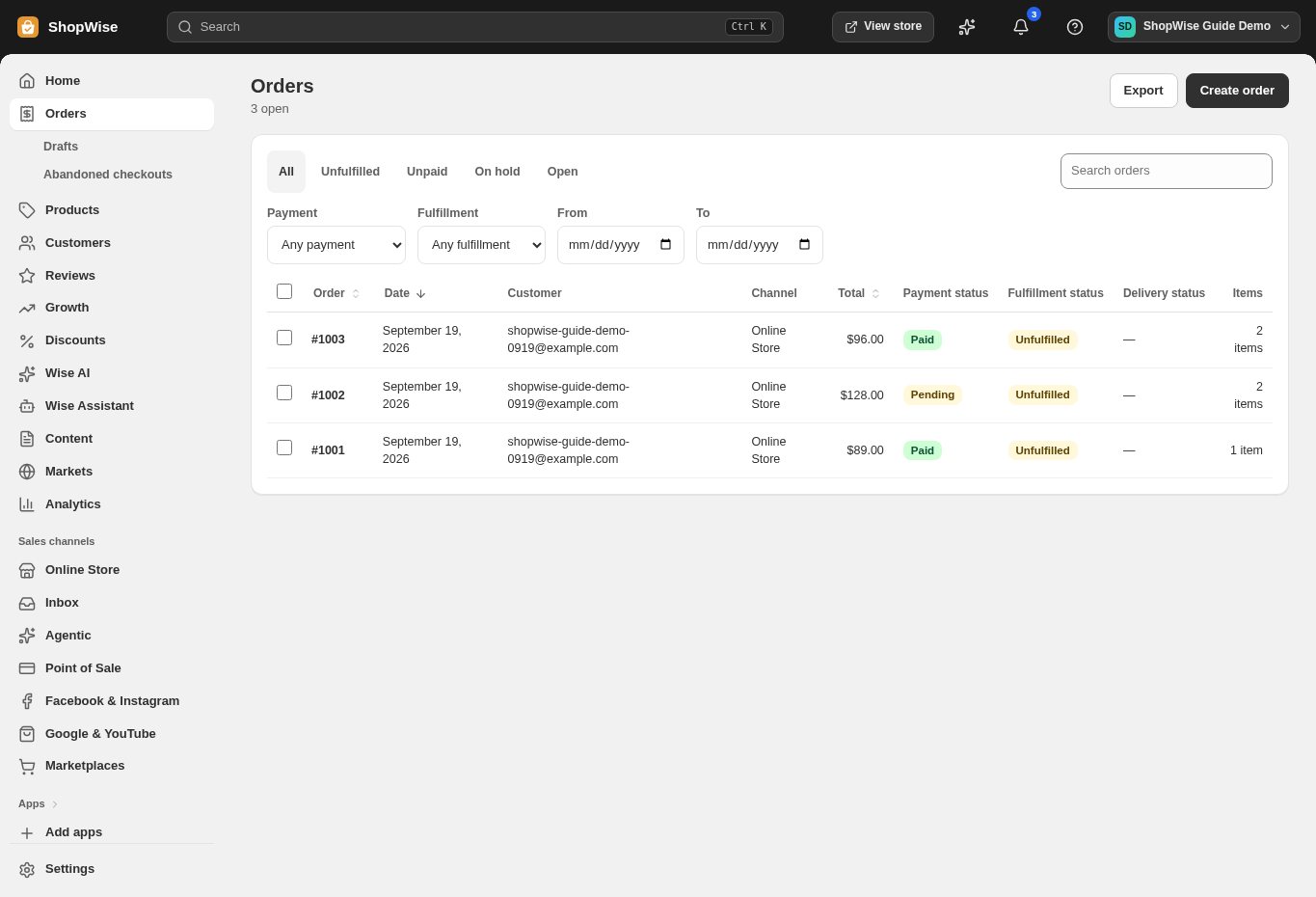
Explore taxes & duties alongside the tools you use every day. See how the pieces fit before you build your workflow.
Explore the product tour ↗Screens shown use demonstration data. Availability and connected services depend on your setup.
Keep company and customer information together for invoicing and order records.
Review tax amounts on orders and in reports when reconciling sales.
Review duties, supported destinations, and payment currencies before opening a new market.
From idea to everyday
Confirm your obligations with your tax adviser.
Configure applicable regions and product tax settings.
Test sample orders and review their tax totals.
Provider accounts, usage limits, and package requirements may apply. Compare the packages.
No. Lulu provides configuration and records; filing and compliance remain your responsibility.
That depends on your market and business. Set your store’s pricing treatment to match the requirements that apply to you.
Create your store, explore the tools, and get help bringing your idea to life.