Prepare original copy and an image you have permission to use.
Create a post
Open Content → Blog posts → Create blog post. Enter the title and author.
- Use a title that describes the subject clearly.
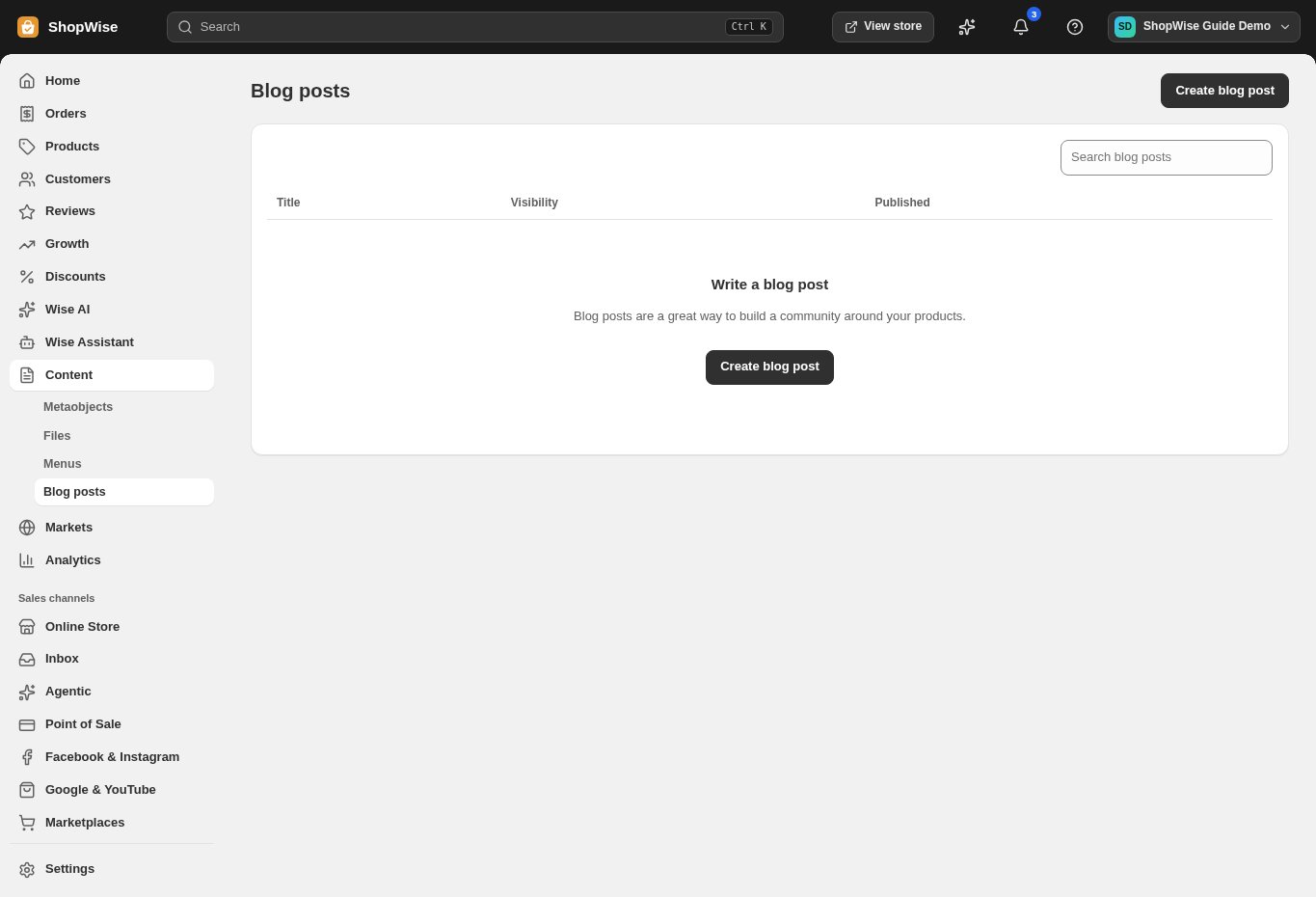
Add the story
Enter the excerpt and article body. Add an appropriate image using the available field.
- Make the excerpt useful without repeating the whole article.
- Check image quality and mobile readability.
Review visibility
Set the visibility and publication details available in the editor, then save.
- Keep unfinished posts hidden until reviewed.
Open the published article
Check the storefront article and its links. Add a route to the blog through store navigation where appropriate.
- Review older articles when product details change.
CHECK YOUR WORK
You’re ready when…
- The post has the correct visibility.
- The storefront article reads well on a phone.
IF SOMETHING DOESN’T LOOK RIGHT
Troubleshooting
Why is the post not visible?
Reopen it and check visibility and publication details. Also confirm your theme and navigation expose the blog.
Why is a control missing or unavailable?
Confirm that you are in the correct store and that your role allows this action. Optional apps and channels may require installation, a plan, or activation. Share the screen name and error with support if access is still unclear.