



Sales Channel & Tracking Integration
Analytics and product feeds for Google and Meta, included free
1. Review the fit
Track visits with Google Analytics 4 and share your catalog with Google Merchant Center and the Meta (Facebook and Instagram) catalog through automatic product feeds. Meta Pixel, Conversions API and TikTok Pixel are coming next. Some functionality is available, while other capabilities may still be planned. Review the live listing before relying on a particular workflow.
2. Check requirements
Check these requirements before installing.
- Requires an external service. Google Analytics 4 page tracking on your storefront (add your measurement ID), GA reports in Analytics, and product feeds for Google Merchant Center and the Meta (Facebook and Instagram) catalog that Google and Meta refresh on their own schedule. Not built yet: the Meta Pixel (the ID is saved but not placed on the storefront), the Meta Conversions API, the TikTok Pixel, GA4 purchase and add-to-cart events, and push-style feed sync.
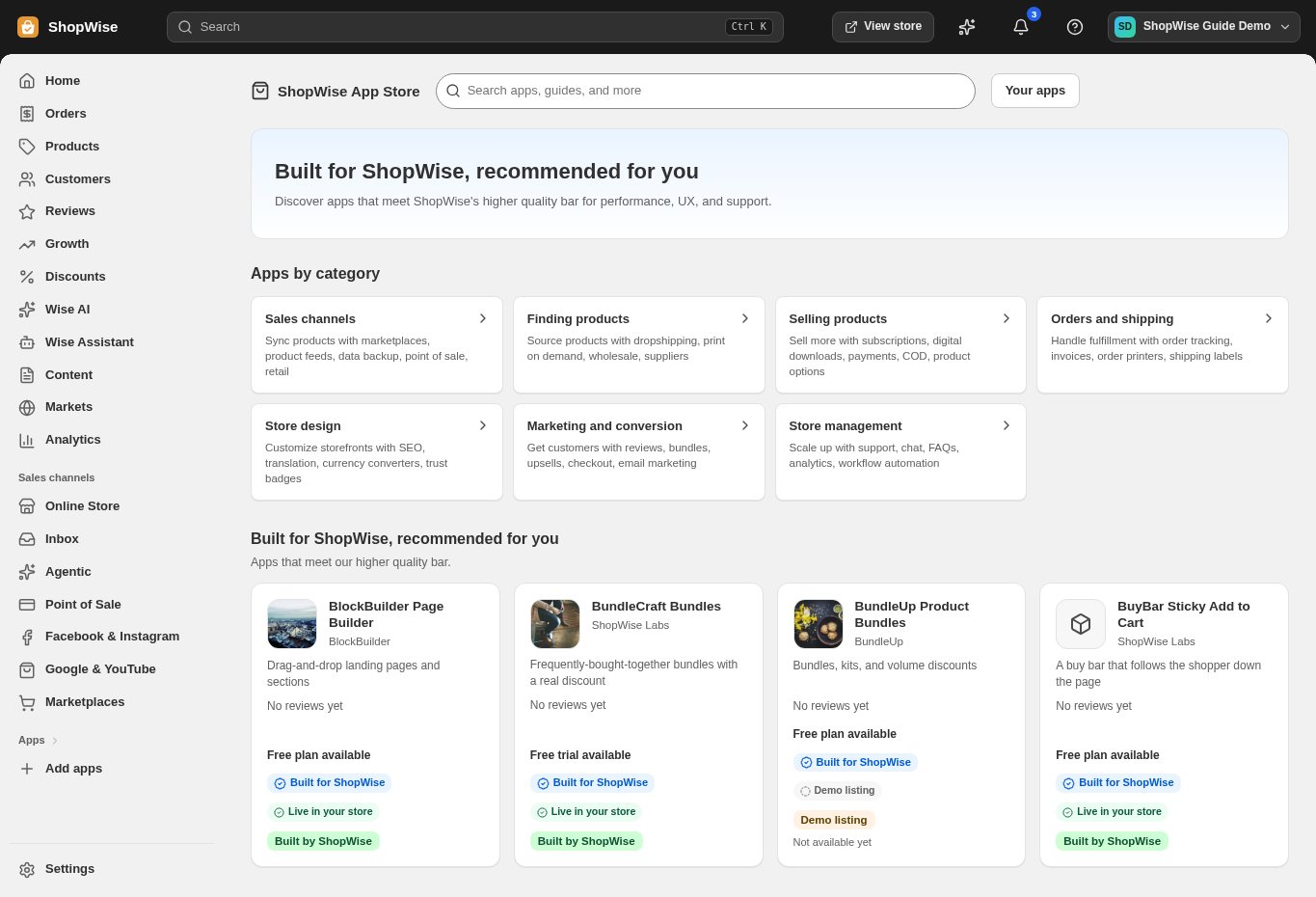
3. Choose and install
Sign in to the store where you want to use the app. Review its requested access and choose a plan that fits your usage. Paid plans and provider charges are separate from your store package.
4. Configure and preview
Open the app from your admin and complete its setup. If it adds a storefront component, enable the appropriate app block or section in your theme. Preview on desktop and mobile before publishing.
5. Test the customer journey
Use sample products or a test order to check the result. Review app usage and plan limits before increasing traffic. Contact the app’s support team through the listing if the result differs from what you expected.