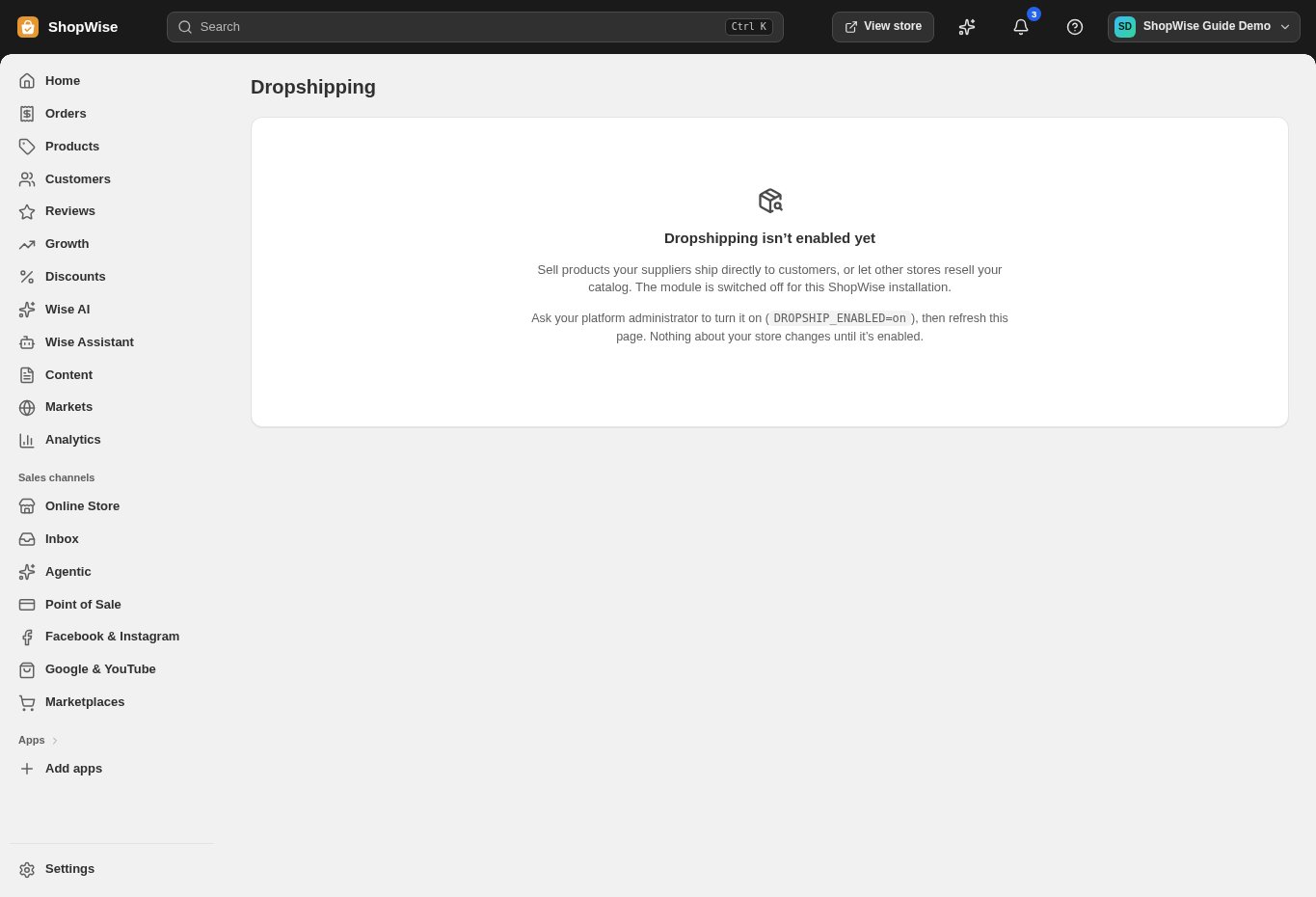
This is the supplier or hub workflow. Dropshipping must be enabled and the variants must already exist.
Create a list
Open Dropshipping price lists → Create price list. Enter Name, Visibility, and Currency.
- Private and Public (any eligible retailer) have different audiences.
- Set currency explicitly to avoid ambiguity.
Add a variant
Choose Manage items for the intended list, then Add item. Enter the Lulu Variant ID.
- Use the variant identifier, not the parent product ID or supplier SKU.
- Ask your integration contact to confirm identifiers if they are not clear.
Enter wholesale pricing
Fill in Wholesale (cents) and optional MAP (cents).
- These fields accept integer cents: for USD 12.50 enter 1250.
- MAP means minimum advertised price; use it only where appropriate to your supplier agreement.
Review retailer access
Save the item, review the list’s displayed amounts and currency, and test access through an authorized retailer integration.
- A public list is intended for eligible retailers; it is not proof that an external connection has been configured.
CHECK YOUR WORK
You’re ready when…
- Variant identifiers and currency are correct.
- Displayed amounts match the intended wholesale prices.
- The intended retailer can access the configured catalog.
IF SOMETHING DOESN’T LOOK RIGHT
Troubleshooting
Why is my price one hundred times too small?
The entry fields are labeled cents. Check whether you entered whole currency units instead of integer cents, then correct the intended item through the supported management or support process.
Why is a control missing or unavailable?
Confirm that you are in the correct store and that your role allows this action. Optional apps and channels may require installation, a plan, or activation. Share the screen name and error with support if access is still unclear.