Have product, production, shipping, provider, and payment costs ready. Confirm the currency used by your store and supplier.
Review your full cost
Calculate the costs you expect to pay for a typical order. Include supplier costs and fulfillment, then account for shipping, fees, and any applicable charges for the markets you serve.
Open the pricing rules area
After dropshipping is activated, open its Pricing rules area. Check whether a store default or supplier-specific rule already exists before adding another.
Set a rule deliberately
Use Add pricing rule and the fields offered by your store. Confirm whether the rule applies to one supplier or the store default. The admin notes that without a rule, imported products can keep the supplier’s cost as their price.
Review minimum advertised prices
If your supplier requires a minimum advertised price, review the MAP setting and agreement before using discounts or publishing a lower price.
Check actual product prices
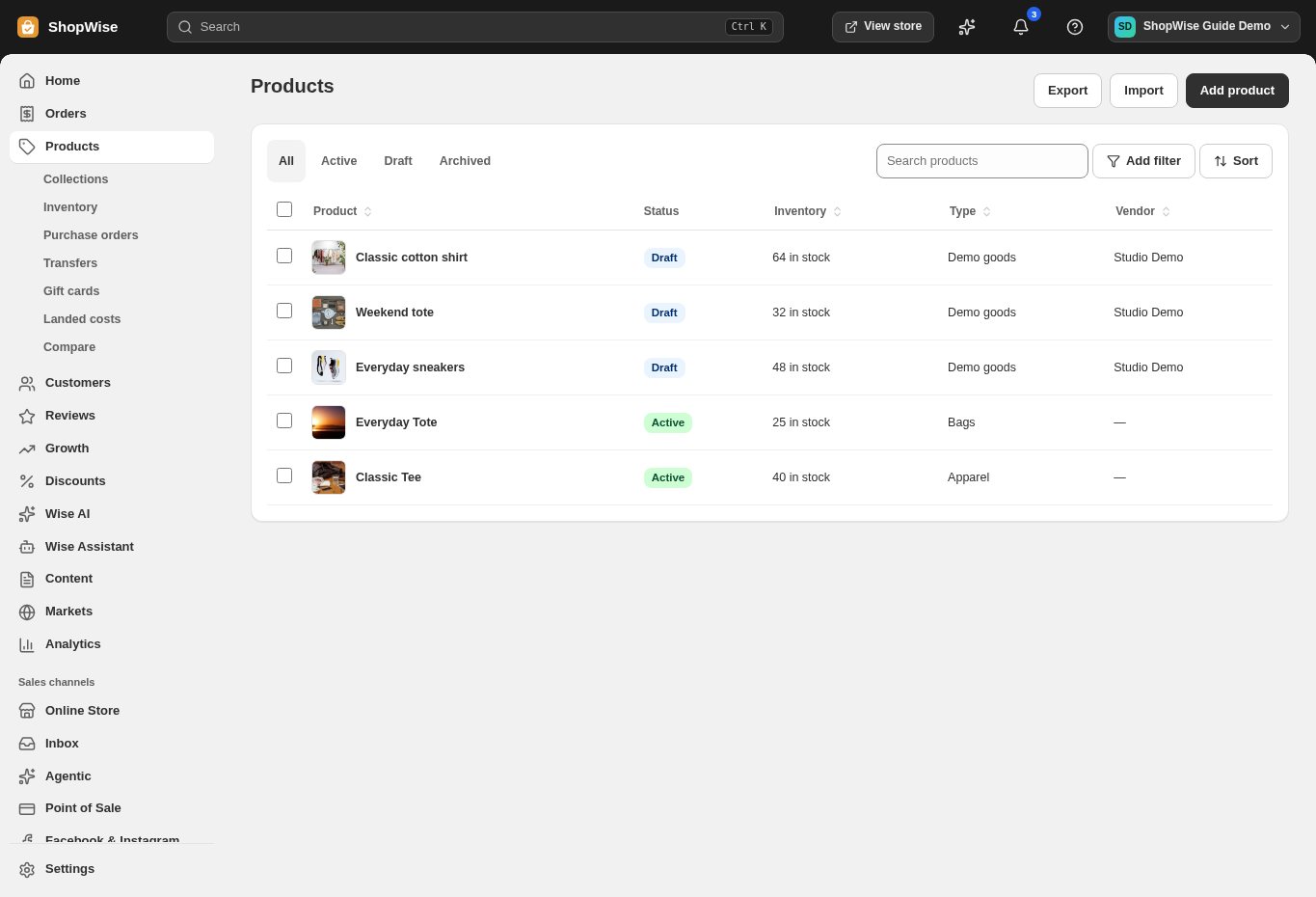
Inspect several imported or mapped products in Products, including variants with different costs. Confirm the displayed retail price and test the checkout total before promoting the range.
CHECK YOUR WORK
You’re ready when…
- Confirm activation, provider permissions, and product mapping.
- Review supplier costs, retail prices, and delivery expectations.
- Complete a test order before promoting supplier-fulfilled products.
IF SOMETHING DOESN’T LOOK RIGHT
Troubleshooting
A product imported at its supplier cost.
Review the store-default and supplier-specific pricing rule, then check the resulting retail price before publishing. Do not assume a missing rule adds a margin.
My selling price changed.
Review supplier cost updates, currency, and active pricing rules. Check whether an integration or repricing process updated the value.