



Hammer Auctions & Offers
Timed auctions, proxy bidding and Make-an-offer — priced by the server, not by a discount code
1. Review the fit
Put a product under the hammer. Set a starting bid, a closing time and how much each bid must go up by (a fixed amount, a percentage, or a tiered ladder), then add a reserve or a buy-it-now price if you want one. Shoppers bid from the product page or the /auctions index; with proxy bidding on they set a hidden maximum and the server bids for them, second-price, so the board only moves as far as it has to. A bid in the last two minutes extends the clock. When the lot closes the winner is chosen automatically, gets a payment deadline and a reminder before it, and their won line is priced at the hammer price through your normal checkout — no discount codes, no draft orders, no hidden variants, and the stock is held for them while they pay. If they don’t pay, the lot passes to the next highest bidder or comes back for relisting. Make-an-offer runs alongside it with auto-accept, auto-decline and auto-counter rules. Live auctions with a human auctioneer, buyer’s premium and outbound webhooks are NOT included. This app has available functionality. Check the live listing for the features supported by each plan.
2. Check requirements
Check these requirements before installing.
- Enable in the theme editor. Open Auctions after installing.
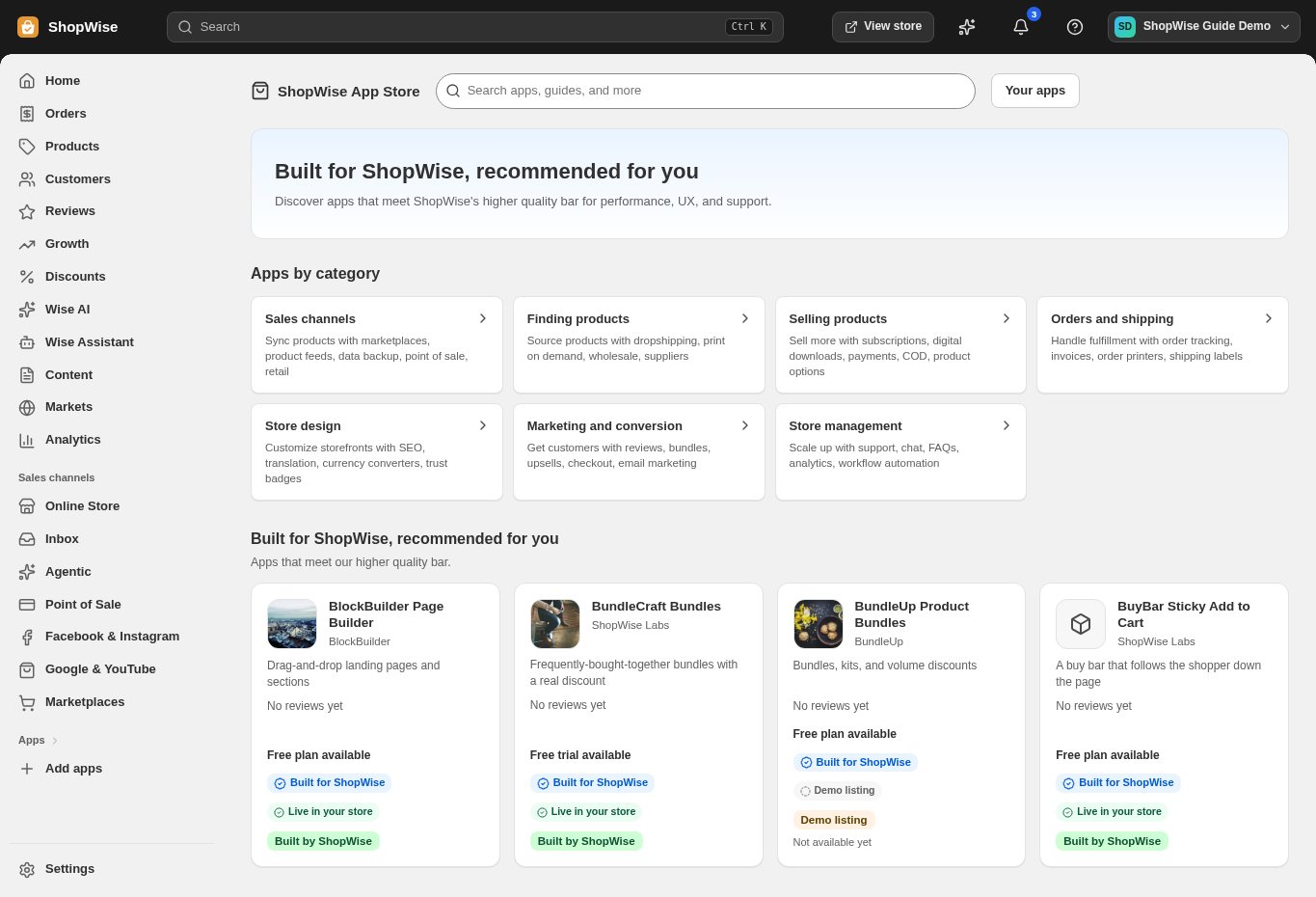
3. Choose and install
Sign in to the store where you want to use the app. Review its requested access and choose a plan that fits your usage. Paid plans and provider charges are separate from your store package.
4. Configure and preview
Open the app from your admin and complete its setup. If it adds a storefront component, enable the appropriate app block or section in your theme. Preview on desktop and mobile before publishing.
5. Test the customer journey
Use sample products or a test order to check the result. Review app usage and plan limits before increasing traffic. Contact the app’s support team through the listing if the result differs from what you expected.