



Lulu POS
Sell in person with the same products, stock and customers as your online store
1. Review the fit
Point of Sale for your shop counter: checkout and barcode scanning, printed and email receipts, split payments, saved carts, returns, offline cash sales, daily reports and online-order pickup, all on the stock and customers your online store already uses. Lite is free with your Lulu plan (1 checkout device, 2 cashier accounts). Retail ($29/month) adds exchanges and store credit, staff roles, register hardware and 2 checkout devices with unlimited cashiers; Pro ($59/month) adds branch reports and cross-branch returns with 4 checkout devices. Extra checkout devices are $10/month on Retail and Pro. 0% commission on in-person sales. This app has available functionality. Check the live listing for the features supported by each plan.
2. Check requirements
Check these requirements before installing.
- Review your store, theme, and connected-service requirements in the current listing.
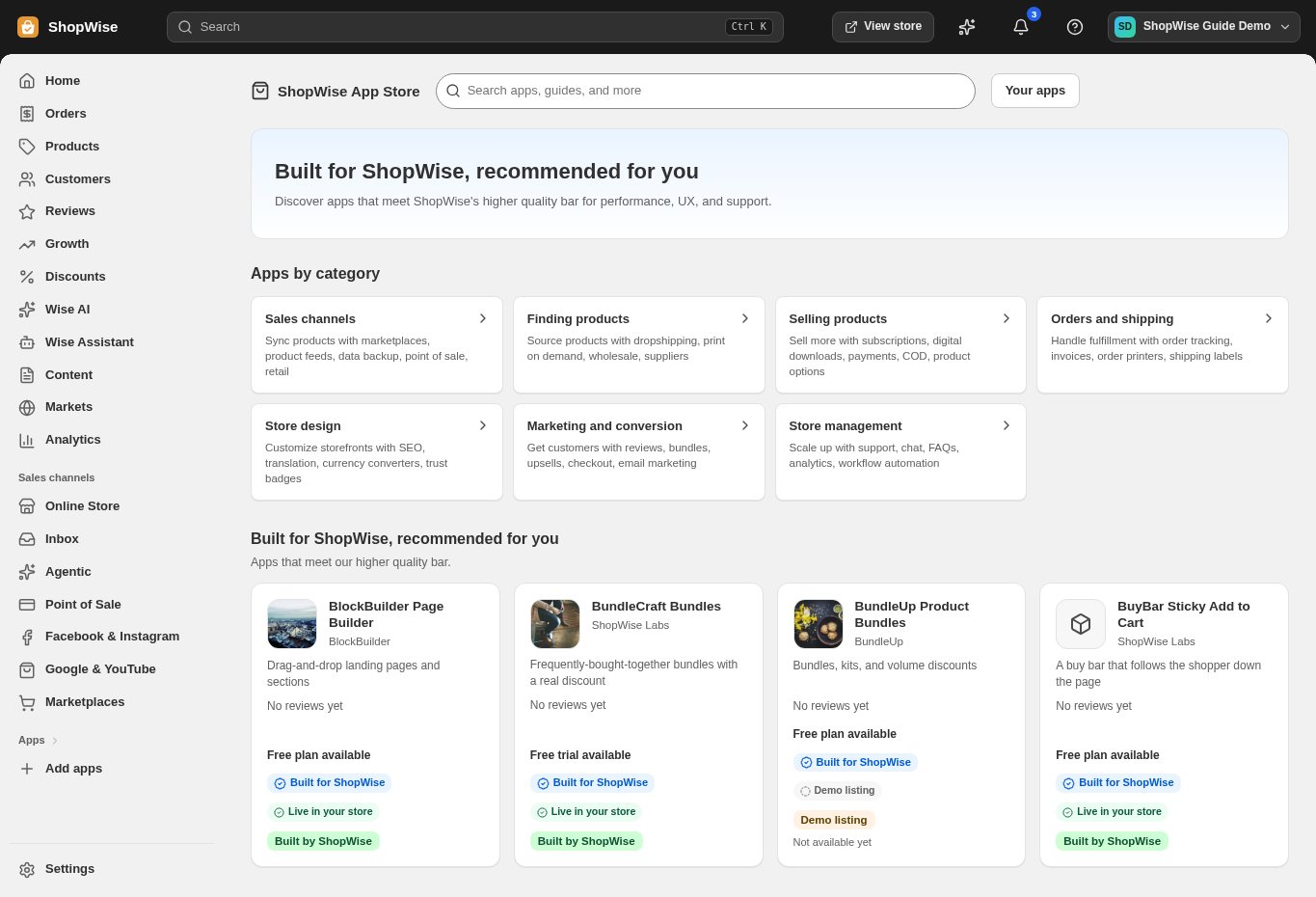
3. Choose and install
Sign in to the store where you want to use the app. Review its requested access and choose a plan that fits your usage. Paid plans and provider charges are separate from your store package.
4. Configure and preview
Open the app from your admin and complete its setup. If it adds a storefront component, enable the appropriate app block or section in your theme. Preview on desktop and mobile before publishing.
5. Test the customer journey
Use sample products or a test order to check the result. Review app usage and plan limits before increasing traffic. Contact the app’s support team through the listing if the result differs from what you expected.