1. Review the fit
Detect visitor location and display prices in their local currency, add a language switcher, and round converted prices cleanly. This app connects to an external service. Its account, eligibility, and billing requirements apply.
2. Check requirements
Check these requirements before installing.
- Requires a connected FX/payment provider. Requires external service — live, real-time currency conversion needs a connected FX/payment provider, which isn’t available on your plan yet. Markets can still set which currency label displays per region in Settings → Markets.
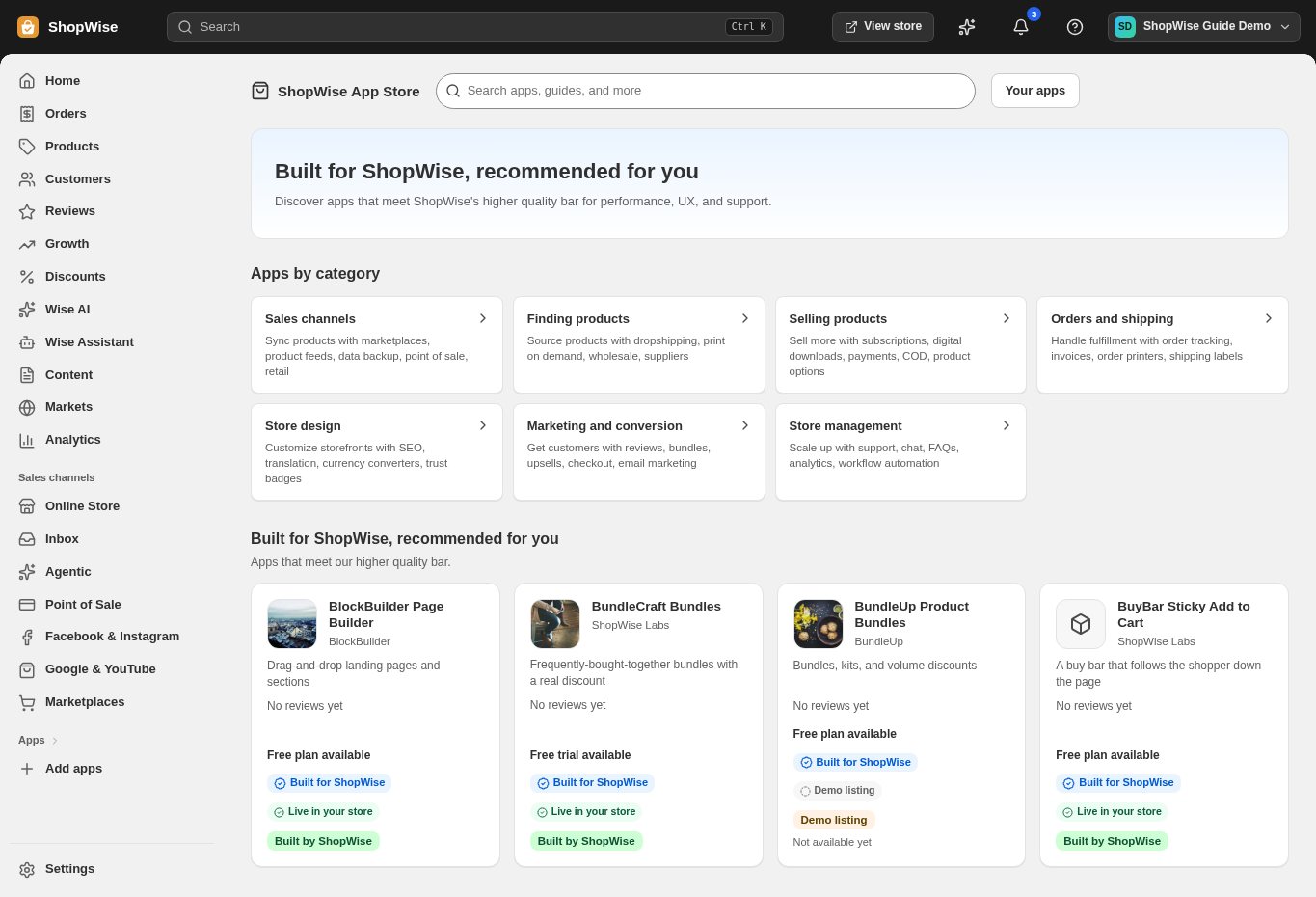
3. Choose and install
Sign in to the store where you want to use the app. Review its requested access and choose a plan that fits your usage. Paid plans and provider charges are separate from your store package.
4. Configure and preview
Open the app from your admin and complete its setup. If it adds a storefront component, enable the appropriate app block or section in your theme. Preview on desktop and mobile before publishing.
5. Test the customer journey
Use sample products or a test order to check the result. Review app usage and plan limits before increasing traffic. Contact the app’s support team through the listing if the result differs from what you expected.