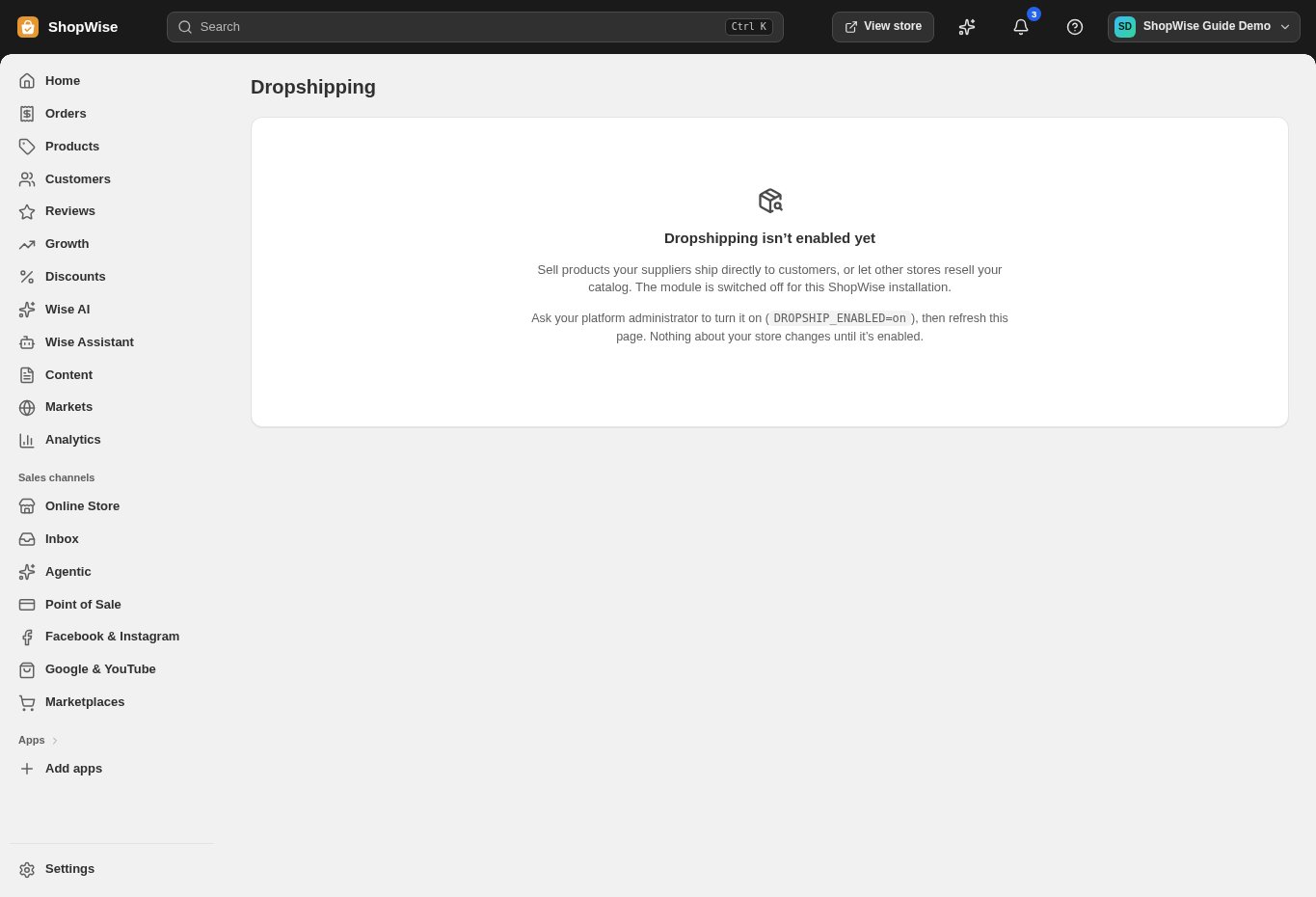
Dropshipping must be enabled. Agree the integration and minimum required access with the retailer or developer first.
Create an identified key
Open Dropshipping API keys → Create API key. Give it a name identifying the retailer or integration.
- Use a separate key for each connection so access can be revoked independently.
Choose scopes
Select only the required scopes: catalog:read, inventory:read, orders:write, orders:read, or fulfillments:read.
- Read scopes retrieve the named information.
- orders:write permits order-writing operations and should be granted deliberately.
Store the one-time secret
Create the key, copy the secret from Copy your new key now, and store it in the integration’s secret storage.
- The full secret is shown once and cannot be retrieved later.
- Do not place it in storefront JavaScript, screenshots, email, or a public repository.
Test and monitor
Have the authorized integration test its connection. Review Prefix, Scopes, Rate/min, Last used, and Status in the key list.
- A created key alone does not implement the external integration.
Revoke access
Use Revoke for an obsolete or exposed key. If replacing a key, configure and test the new one before revoking the old one when operationally appropriate.
- Revocation stops the integration using that key; coordinate the change with its owner.
CHECK YOUR WORK
You’re ready when…
- The key has only the intended scopes.
- Its secret is stored privately.
- An authorized connection has been tested.
IF SOMETHING DOESN’T LOOK RIGHT
Troubleshooting
Can I view the secret again later?
No. Create a replacement key if the secret was lost, configure the integration with it, and revoke the old key.
Why is a control missing or unavailable?
Confirm that you are in the correct store and that your role allows this action. Optional apps and channels may require installation, a plan, or activation. Share the screen name and error with support if access is still unclear.