



Build a segment with the real filter conditions
The exact conditions the segment query editor understands, and how the live preview works.
On this page
You need the "Manage settings" permission to use segments. Know the trait you want to group customers by — conditions are always combined with AND.
Open the editor
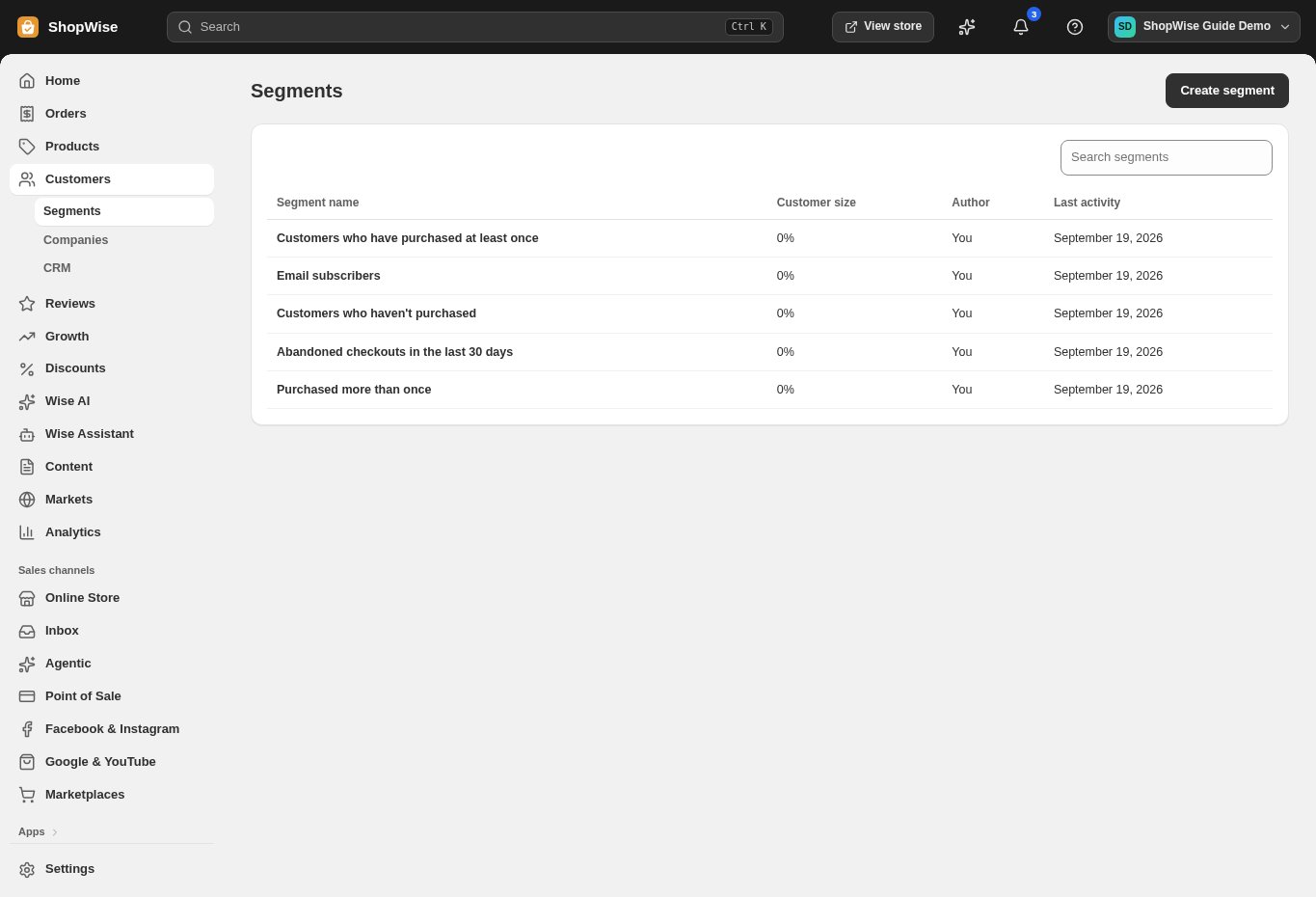
Customers → Manage segments → Create segment, or open an existing one from the Segments list.
Use a filter chip or type a clause
Name the segment, then click a filter chip — Email subscribers, SMS subscribers, Has ordered, Hasn't ordered, Purchased more than once, Spent over $100, In United States — or type directly in the WHERE box.
- email_subscription_status = 'subscribed' (or 'not_subscribed')
- accepts_sms_marketing = true (or false)
- number_of_orders > 1 — counts orders that weren't cancelled
- amount_spent > 100 — net spent (after refunds), in your store currency
- country = 'United States' — the country of the customer's default address
Know what the editor understands
Number of orders and amount spent accept =, !=, >, <, >= and <=. Those five condition types are the only ones recognised, and they are always combined with AND. If no clause is recognised, the query is marked unsupported. If at least one clause is recognised, any other text in the query is ignored — so check the preview count rather than assuming every clause was applied.
Watch the live preview
The Customers count on the right reruns about 400ms after you stop typing, showing both a count and the percentage of your total customer base that matches.
Read the unsupported-query warning
If nothing in the query is recognised, the preview shows "This query isn't fully supported yet" and the count falls back to all customers. Treat that as a sign to fix the query, not as "everyone matches."
Save and reuse
Up to four segments appear as tabs above the Customers list (next to All customers and Manage segments); each tab opens that segment's page.
CHECK YOUR WORK
You’re ready when…
- Every clause in the query is one of the five recognised condition types.
- The live preview count matches what you expect before saving.
- The segment appears as a tab on the Customers list.
IF SOMETHING DOESN’T LOOK RIGHT
Troubleshooting
Why does my saved segment always show 100% of customers?
Nothing in the query was recognised — for example, tags, lifecycle stage, dates, or a city — so it falls back to counting every customer. Look for the "isn't fully supported" notice and rewrite the query using the supported conditions.
Can I combine conditions with OR?
No. Conditions are always combined with AND. Writing OR doesn't create an either/or segment — the recognised clauses are still all required — so build separate segments instead.
Why don't segment tabs show on the Customers list for some staff?
Segments need the "Manage settings" permission. Staff without it see only the "Manage segments" link above the Customers list, and can't open segments.