Choose your supplier and markets. Dropshipping requires activation and configuration; creating a Lulu account alone does not activate supplier routing.
Check whether dropshipping is enabled
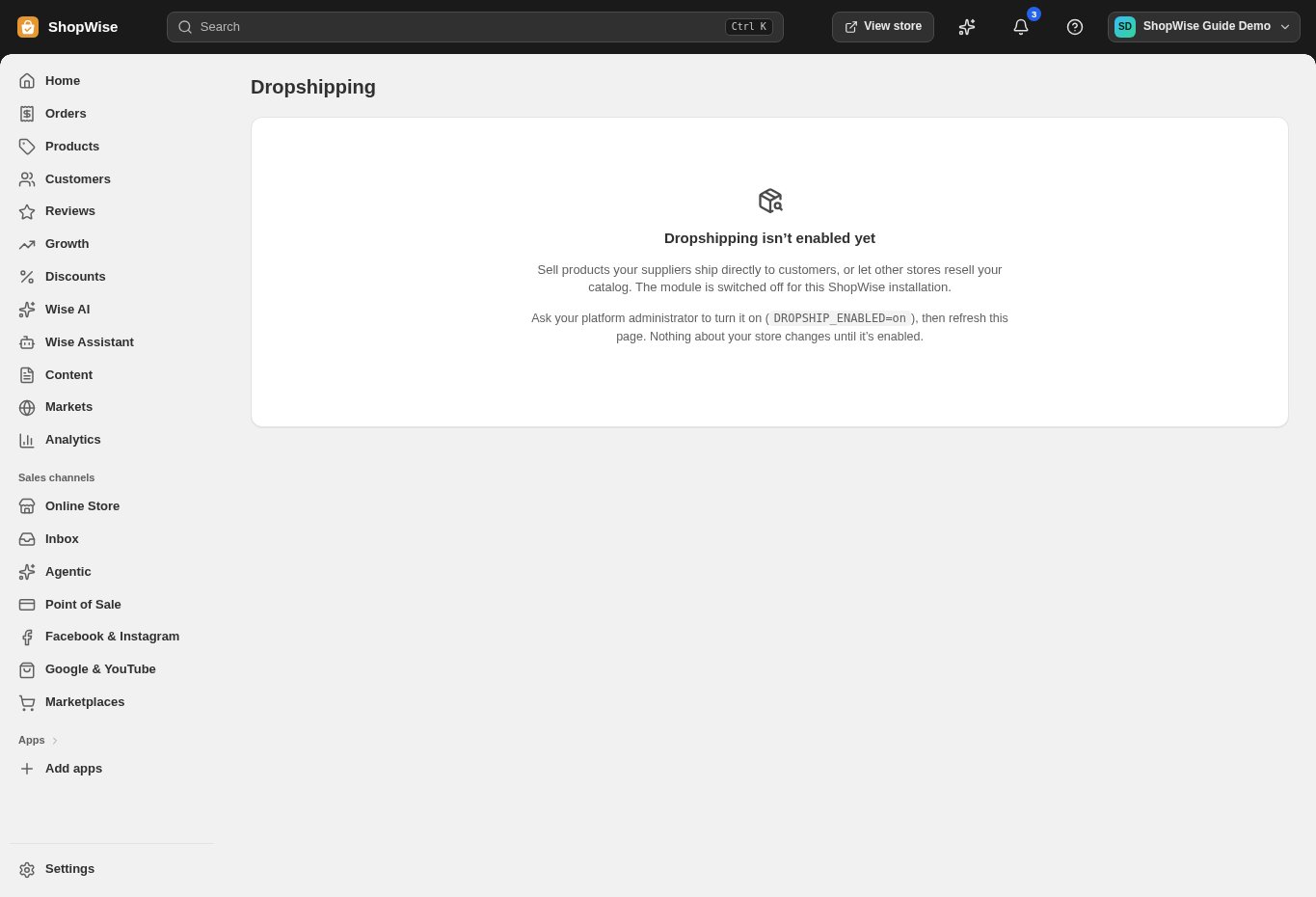
Open Dropshipping in the admin. If you see “Dropshipping isn’t enabled yet,” contact the Lulu team to arrange activation. The screenshot shows this actual state in our demo store. Do not accept supplier-fulfilled orders before setup is complete.
Choose the right provider
CJdropshipping and AliExpress provide sourcing connections. Printful and Printify support print-on-demand workflows. Amazon MCF fulfills stock you already own and store with Amazon.
Prepare account access
Complete your provider account requirements and arrange its authorized connection with the team. Confirm the correct account, required permissions, and billing arrangements. Do not send API keys in a general support message.
Add the supplier after activation
In Dropshipping, choose Add supplier. Enter a recognizable Name, select the Provider and Kind, and review the minimum advertised price option if it applies. Creating this record is only part of the setup; provider authorization and product mapping still need to be completed.
Review products and prices
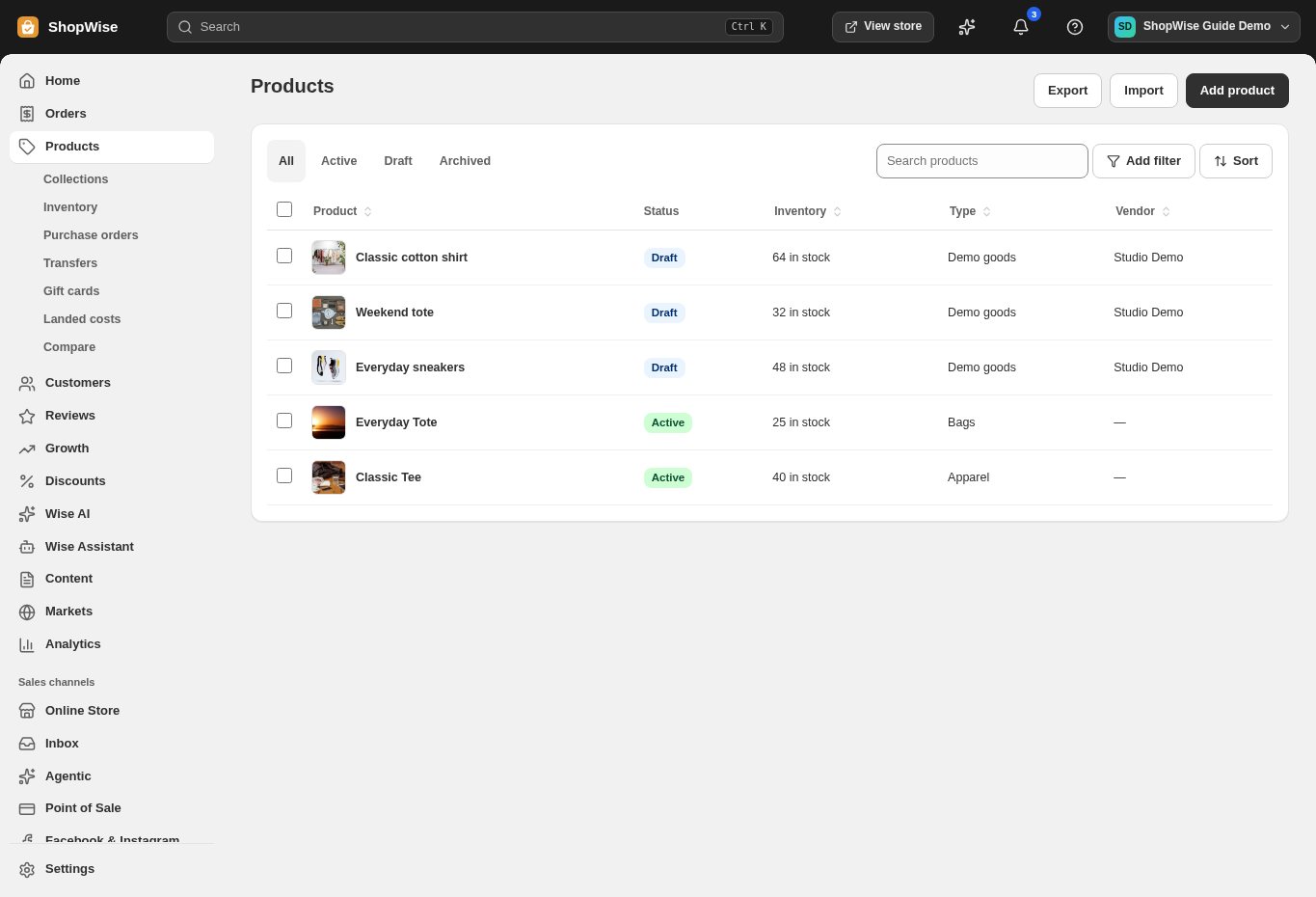
Prepare the products and variants you want to sell. Match supplier items accurately, review your retail prices, and confirm delivery destinations and return expectations.
Test the complete order journey
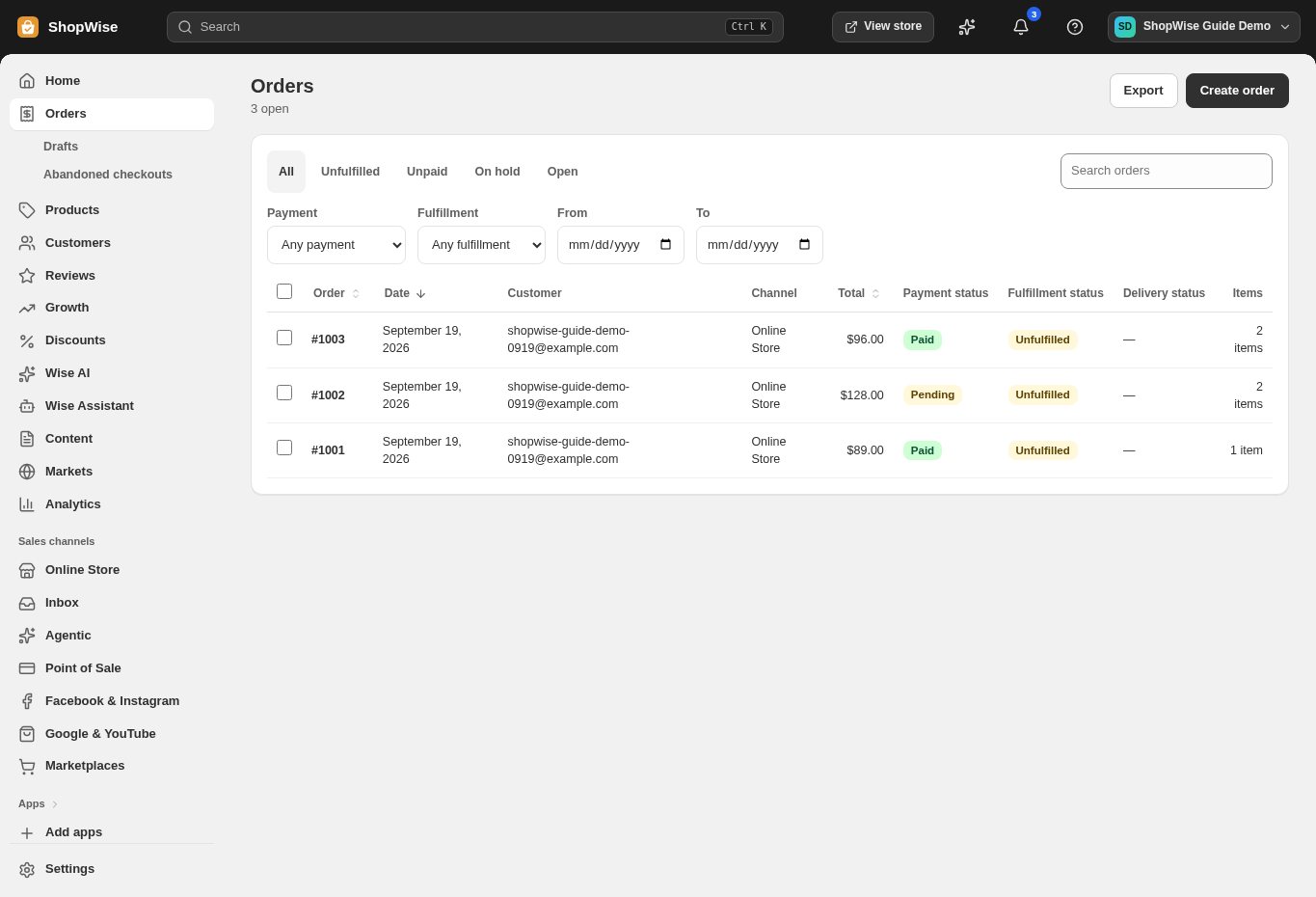
Agree a test procedure with the team and provider. Verify a paid test order reaches the correct supplier, check fulfillment and tracking, and make sure the customer-facing order information is accurate. A real supplier order may incur charges.
CHECK YOUR WORK
You’re ready when…
- Confirm activation, provider permissions, and product mapping.
- Review supplier costs, retail prices, and delivery expectations.
- Complete a test order before promoting supplier-fulfilled products.
IF SOMETHING DOESN’T LOOK RIGHT
Troubleshooting
The Dropshipping page says the module is not enabled.
This is an activation requirement, not a missing browser setting. Contact the team with your store address and chosen provider. Do not change server configuration yourself.
I added a supplier but orders are not being sent.
Check activation, authorized provider access, product mappings, supplier status, and payment status. Adding a supplier record does not complete every integration step.
Keep going
- Test your store before launching →
- Set prices for supplier products →
- Troubleshoot a dropshipping order →