



Shippo
Connect your Shippo account to buy carrier labels from your orders
1. Review the fit
Free app made by Lulu. Connect your own Shippo account by pasting your Shippo API token - a free test token works end to end, so you can rehearse the whole flow before you spend anything. Once connected, the carrier accounts on your Shippo account are imported, and from any order you can compare live rates, buy, print and void labels: the label PDF is kept with the order behind your admin login, the fulfillment, tracking number and tracking link are created for you, and Shippo tracking webhooks keep the order moving to Delivered. The Shipping labels list and the label card on the order page stay built into Lulu; they buy through the Shippo account you connect here. Carriers are the ones Shippo supports on your account (mostly US and international carriers) - a Sri Lankan store can connect, but buying a label depends on a carrier serving your ship-from country. You pay Shippo for postage; Lulu adds no markup and takes no cut. Some functionality is available, while other capabilities may still be planned. Review the live listing before relying on a particular workflow.
2. Check requirements
Check these requirements before installing.
- Requires your own Shippo account (a free test token works). Real, built-in label buying — it needs your own Shippo account to do anything. Once connected: open an order, pick the box and weight, compare live rates across the carriers on your Shippo account, buy, and the label PDF is stored with the order behind your admin login while the fulfillment, tracking number and tracking link are created for you. Void an unused label for a refund; Shippo’s tracking webhooks keep the order moving to Delivered. The ship-from address comes from a real location in Settings → Locations, never free text. What needs the provider: a Shippo API token — their free TEST token works end to end, so you can rehearse the whole flow before spending anything. You pay Shippo for postage; Lulu adds no markup. Shippo Connect managed accounts and platform-billed postage are not built (they need a Shippo platform agreement).
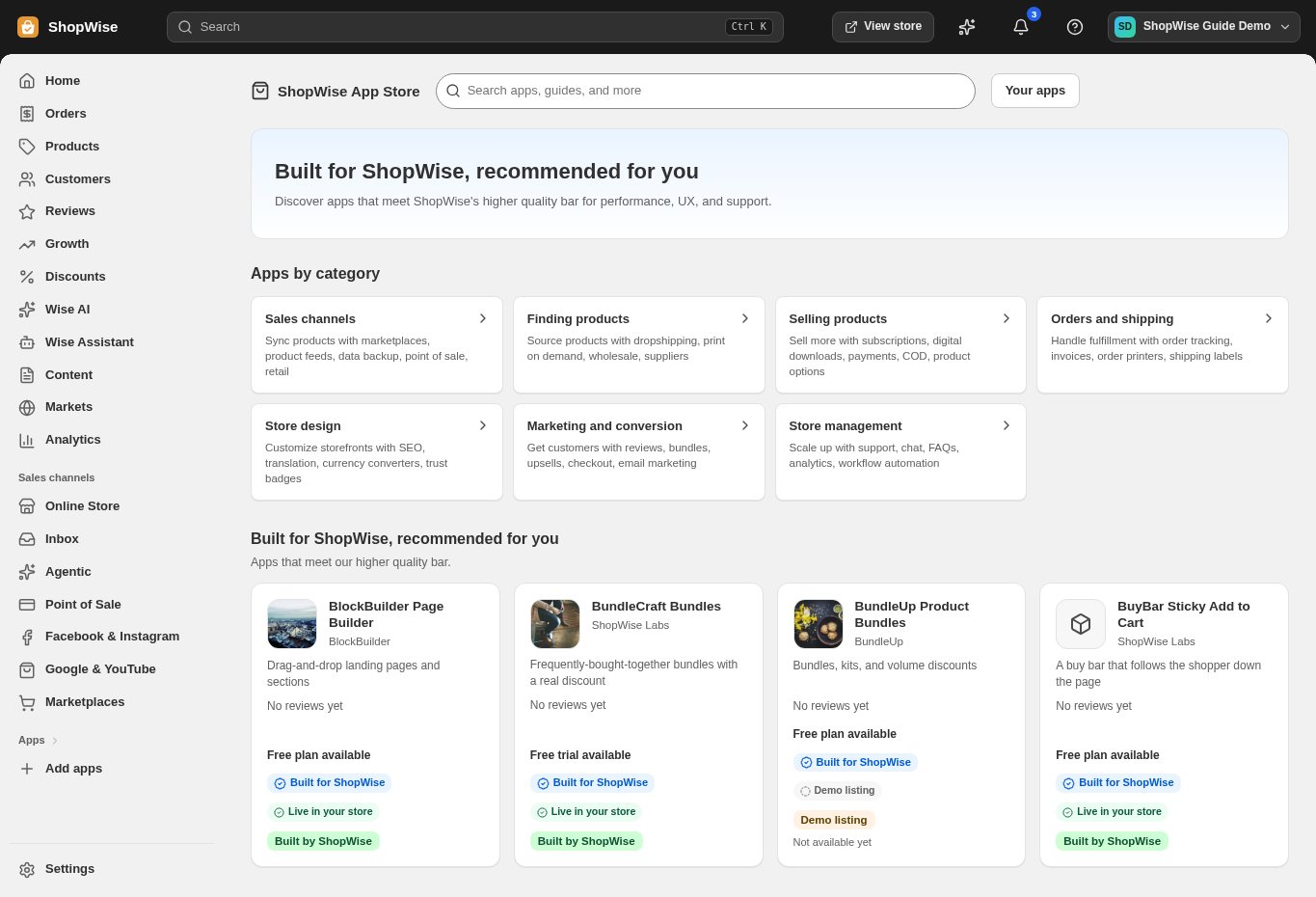
3. Choose and install
Sign in to the store where you want to use the app. Review its requested access and choose a plan that fits your usage. Paid plans and provider charges are separate from your store package.
4. Configure and preview
Open the app from your admin and complete its setup. If it adds a storefront component, enable the appropriate app block or section in your theme. Preview on desktop and mobile before publishing.
5. Test the customer journey
Use sample products or a test order to check the result. Review app usage and plan limits before increasing traffic. Contact the app’s support team through the listing if the result differs from what you expected.