1. Review the fit
Selling plans with percentage discounts, a Subscribe & save picker on product pages, and a recurring engine that creates cash-on-delivery orders automatically each cycle. Shoppers pause, resume or cancel from their account. Automatic card charging requires an external payment provider and is not included yet. Some functionality is available, while other capabilities may still be planned. Review the live listing before relying on a particular workflow.
2. Check requirements
Check these requirements before installing.
- Requires a payment provider that supports stored cards. Real, built-in recurring orders — collected cash on delivery. Build subscribe-and-save plans in Products → Subscriptions (any cadence in days, weeks, or months, a percentage off, offered on every product or just the ones you pick), then add the “App block” section to your product template and choose Recur Subscriptions → plan-picker. Each cycle creates a real order in Orders, unpaid until you collect, and customers pause, resume, or cancel themselves from their account page. Automatically charging a saved card each cycle is NOT included: it needs a payment provider that supports stored cards and merchant-initiated charges, which isn’t connected to Lulu yet.
- Enable in the theme editor. Open Subscriptions after installing.
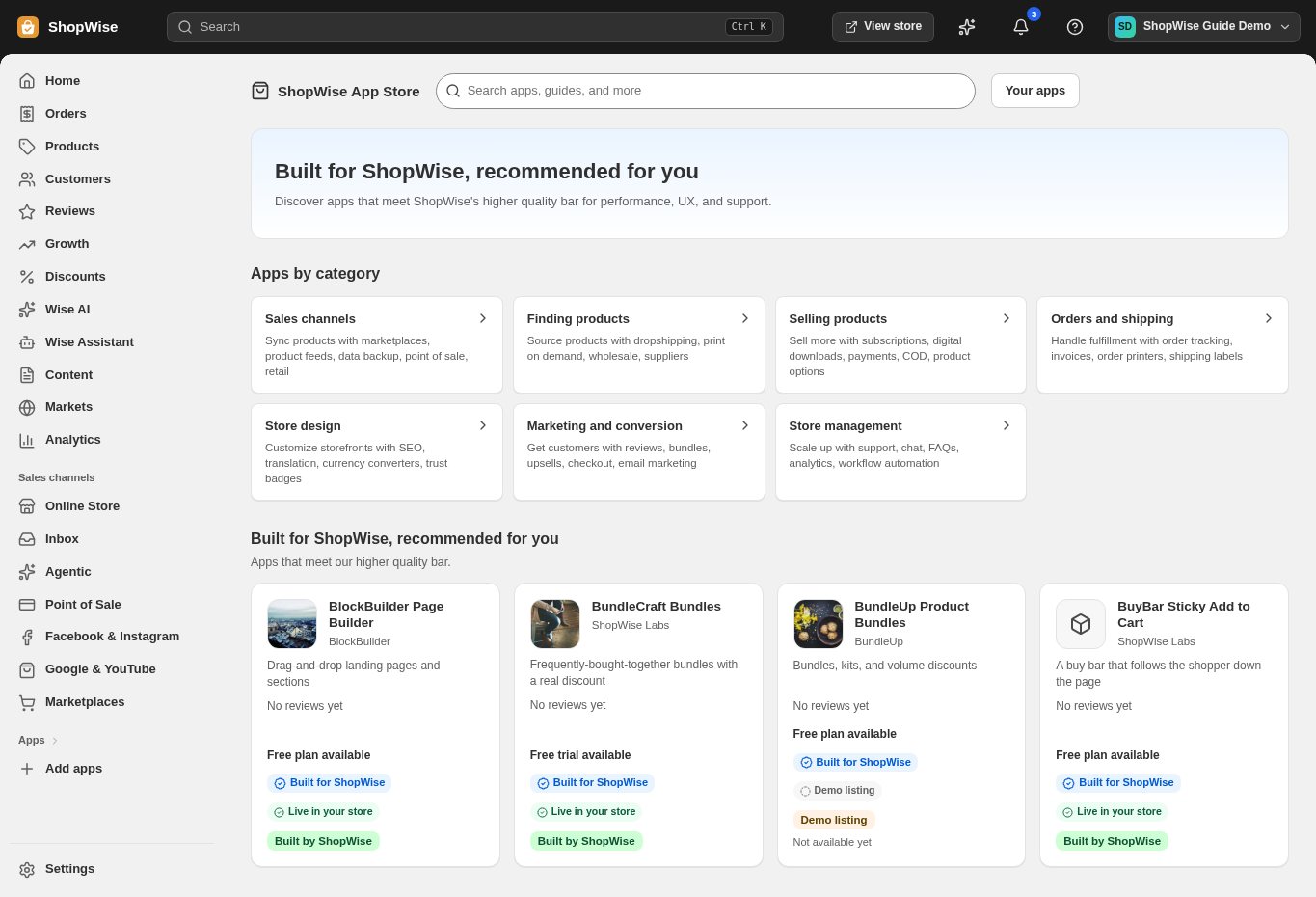
3. Choose and install
Sign in to the store where you want to use the app. Review its requested access and choose a plan that fits your usage. Paid plans and provider charges are separate from your store package.
4. Configure and preview
Open the app from your admin and complete its setup. If it adds a storefront component, enable the appropriate app block or section in your theme. Preview on desktop and mobile before publishing.
5. Test the customer journey
Use sample products or a test order to check the result. Review app usage and plan limits before increasing traffic. Contact the app’s support team through the listing if the result differs from what you expected.