Set up a register and staff access first.
Open a drawer session
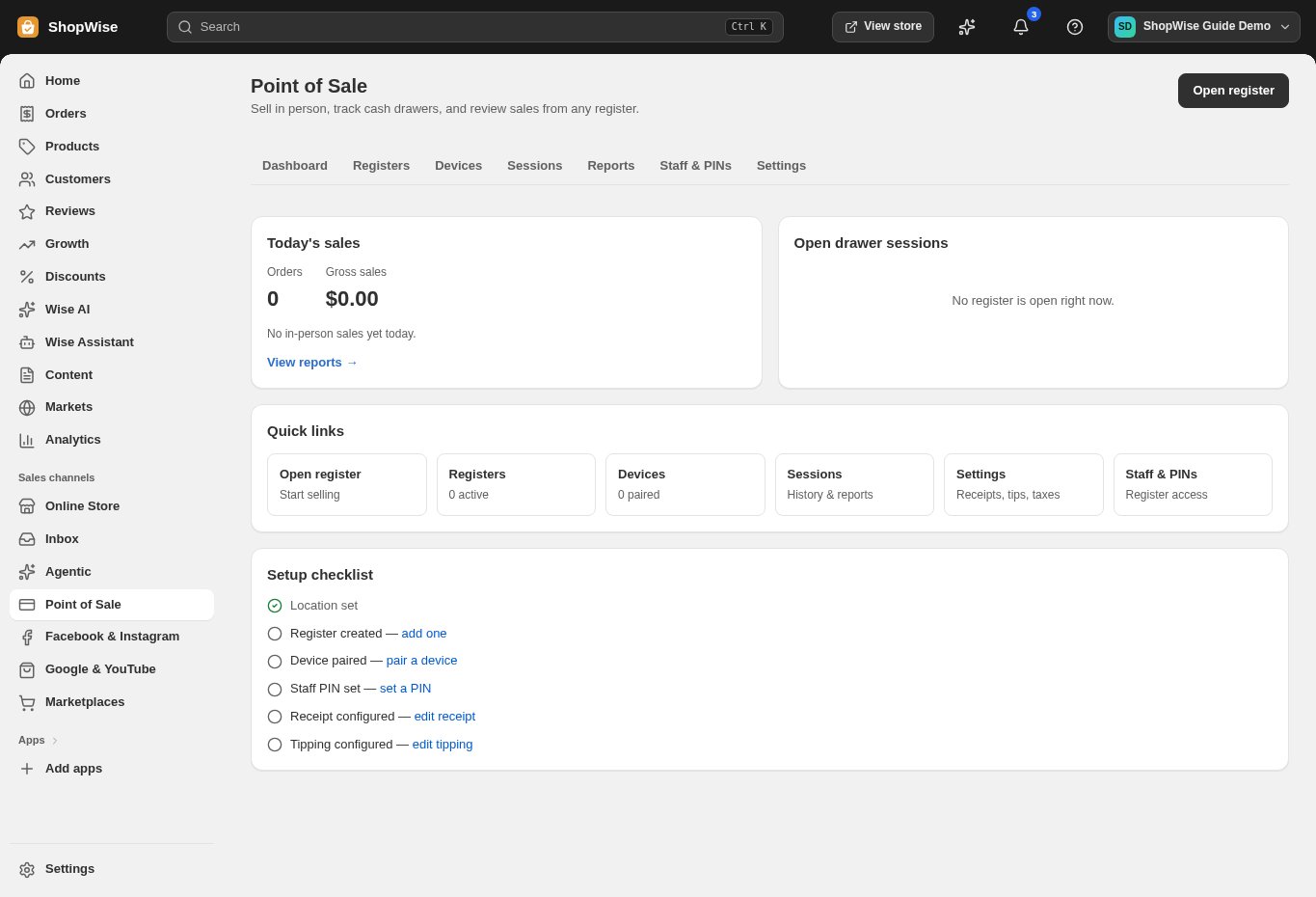
Open the register and follow its session-opening prompts. Record the actual opening cash where requested.
- Use the assigned location and staff identity.
Track and close
Record cash movements through the register’s supported actions. At closing, count the actual cash and complete the session close process.
- Investigate differences instead of changing the count to match a report.
Review reports
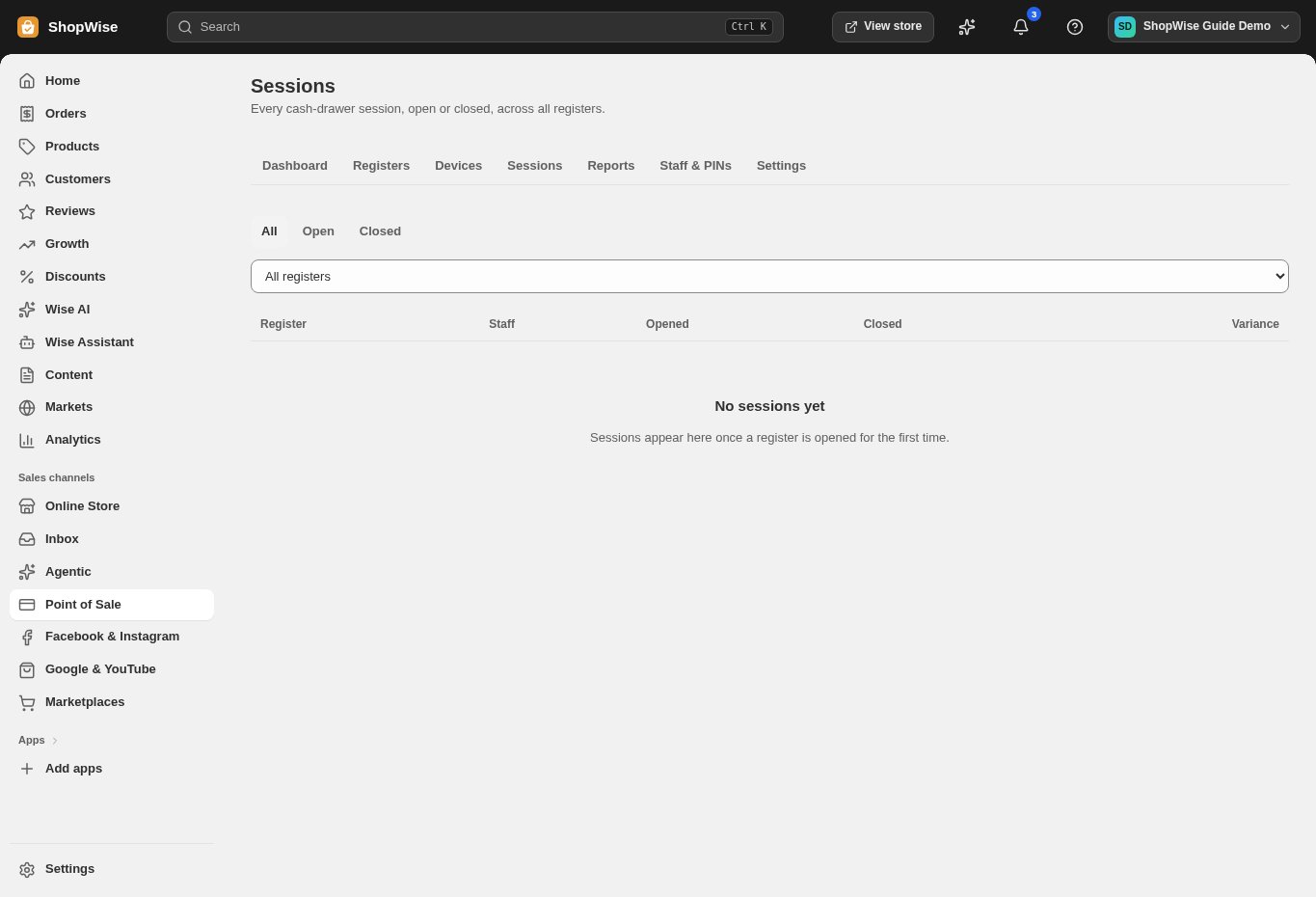
Open Point of Sale → Sessions for the session record. Use Reports for tender, staff, register, hour, and cash drawer movements.
- Choose the correct date range.
Print labels
Open Print labels, add products, select quantities, and choose the template and fields. Print a small test sheet first.
- Verify the barcode scans to the correct variant.
- Check printer scaling before a larger run.
CHECK YOUR WORK
You’re ready when…
- The cash session is reconciled.
- A sample label scans correctly.
IF SOMETHING DOESN’T LOOK RIGHT
Troubleshooting
Why do labels print at the wrong size?
Check the selected template, printer paper size, and browser print scaling. Test one label before printing the full batch.
Why is a control missing or unavailable?
Confirm that you are in the correct store and that your role allows this action. Optional apps and channels may require installation, a plan, or activation. Share the screen name and error with support if access is still unclear.