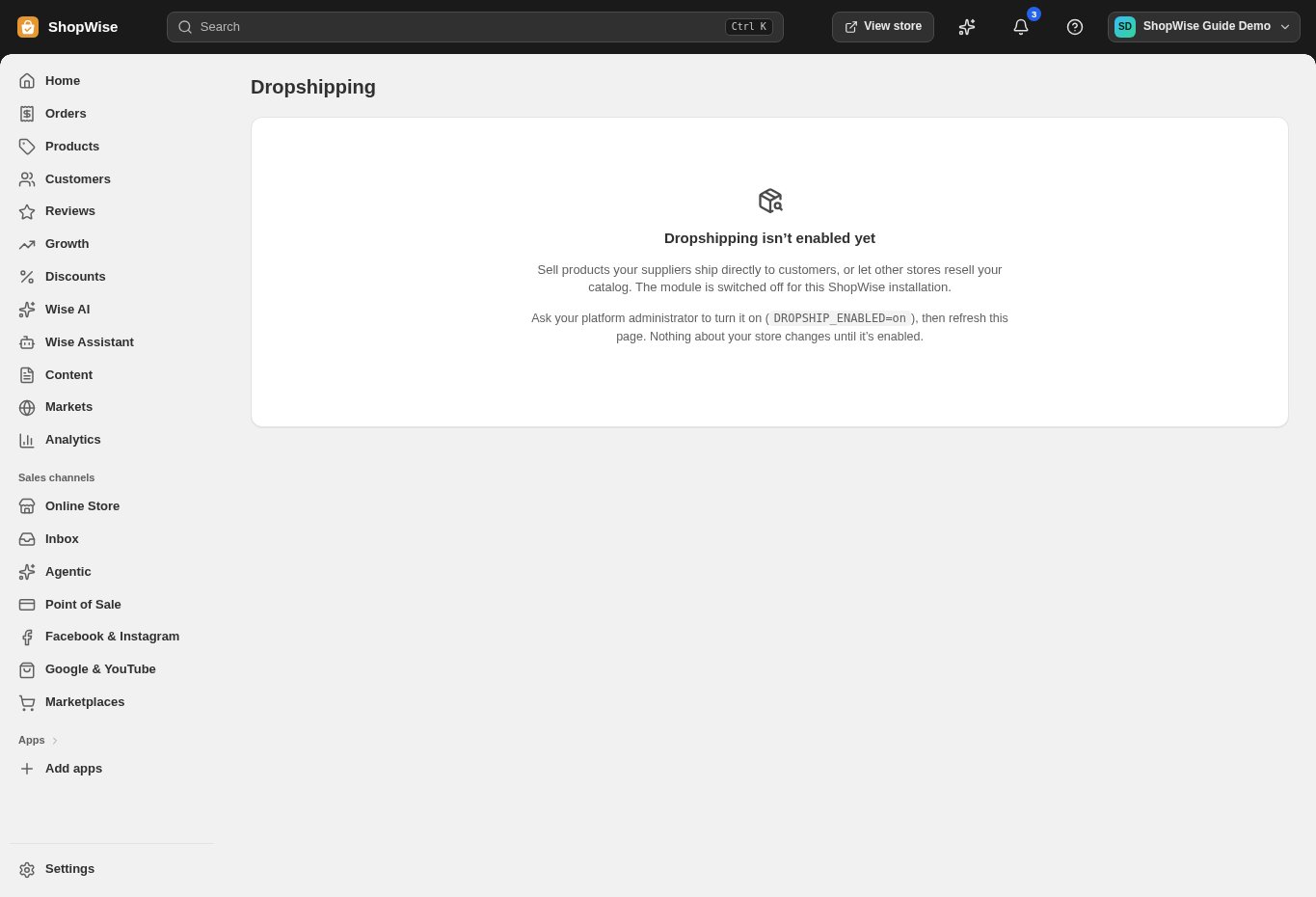
Dropshipping must be enabled. Agree the supplier return process before accepting customer returns.
Find the customer order
Open the affected order and confirm the purchased variant, supplier reference, delivery state, and customer issue.
- Determine whether the issue is cancellation before dispatch or a return after delivery.
Agree return handling
Check the supplier’s requirements and contact the supplier through the agreed process. Give the customer only confirmed return instructions.
- Verify the return destination and any authorization reference.
- Do not promise a supplier reimbursement before it is approved.
Track the supplier return
Open Dropshipping returns when available and inspect the relevant record. Use only the next-state actions offered for its current status.
- The module must be enabled before records and transitions are available.
- Keep supplier correspondence with your operational records.
Handle the customer refund
Use the customer order’s refund workflow separately when appropriate. Verify the refund outcome and restocking decision.
- A supplier return status is not automatically a customer payment refund.
- Do not restock a supplier-held item as local warehouse stock.
Reconcile the costs
Compare customer refund, supplier credit, shipping costs, and the original order totals.
- Record unresolved supplier reimbursement and investigate differences before closing the case.
CHECK YOUR WORK
You’re ready when…
- Supplier return status and customer communication agree.
- Customer refunds and supplier credits are reconciled separately.
IF SOMETHING DOESN’T LOOK RIGHT
Troubleshooting
Why did changing a return status not refund the customer?
Supplier-return tracking and the customer payment are separate workflows. Check the order refund controls and payment-provider outcome.
Why is a control missing or unavailable?
Confirm that you are in the correct store and that your role allows this action. Optional apps and channels may require installation, a plan, or activation. Share the screen name and error with support if access is still unclear.