A checkout is not a paid order. Use customer contact details only for the purpose allowed by their consent and your policy.
Open incomplete checkouts
Go to Orders → Abandoned checkouts. Review the records available for your store.
- Check the date and customer details before investigating.
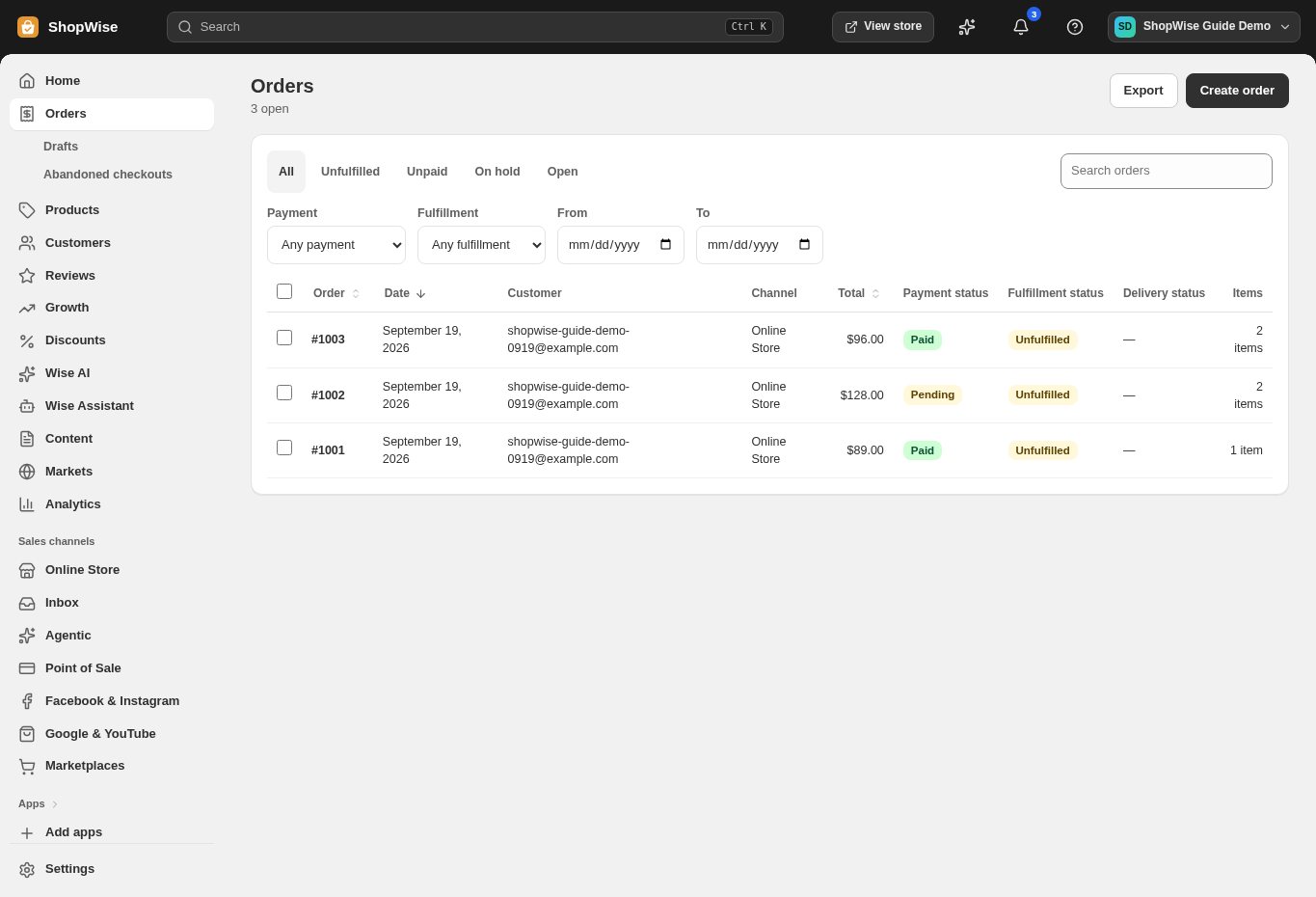
Look for friction
Compare the affected products and customer destination with your stock, payment, and shipping setup.
- Reproduce the journey with your own test details.
- Check for a destination with no shipping rate.
Review recovery settings
Open Settings → Checkout and find Abandoned checkout emails. Review the available controls and save intended changes.
- Use a test inbox to verify the recovery journey before relying on it.
Measure recovery
Compare recovered purchases with actual Orders. Avoid treating a reminder being sent as a completed sale.
- Check whether the customer already completed a later order.
CHECK YOUR WORK
You’re ready when…
- Checkout obstacles have been checked.
- Recovery is measured using actual completed orders.
IF SOMETHING DOESN’T LOOK RIGHT
Troubleshooting
Why is the list empty?
There may be no recorded abandoned checkouts for this store. A visitor who only browses or adds to cart may not create a checkout record.
Why is a control missing or unavailable?
Confirm that you are in the correct store and that your role allows this action. Optional apps and channels may require installation, a plan, or activation. Share the screen name and error with support if access is still unclear.