



Built-in Product Reviews
Star ratings and verified-buyer reviews, included free
1. Review the fit
The built-in product reviews every store has, free on every plan: verified-buyer star ratings with a headline and body, a verified-purchase badge, ratings on product cards and in structured data, and moderation with merchant replies from Admin → Reviews. There is nothing to install or pay for here. Paid upgrades are the Judge Product Reviews app in the App Store (Starter $0.99/month, Growth $15/month). This app has available functionality. Check the live listing for the features supported by each plan.
2. Check requirements
Check these requirements before installing.
- Review your store, theme, and connected-service requirements in the current listing.
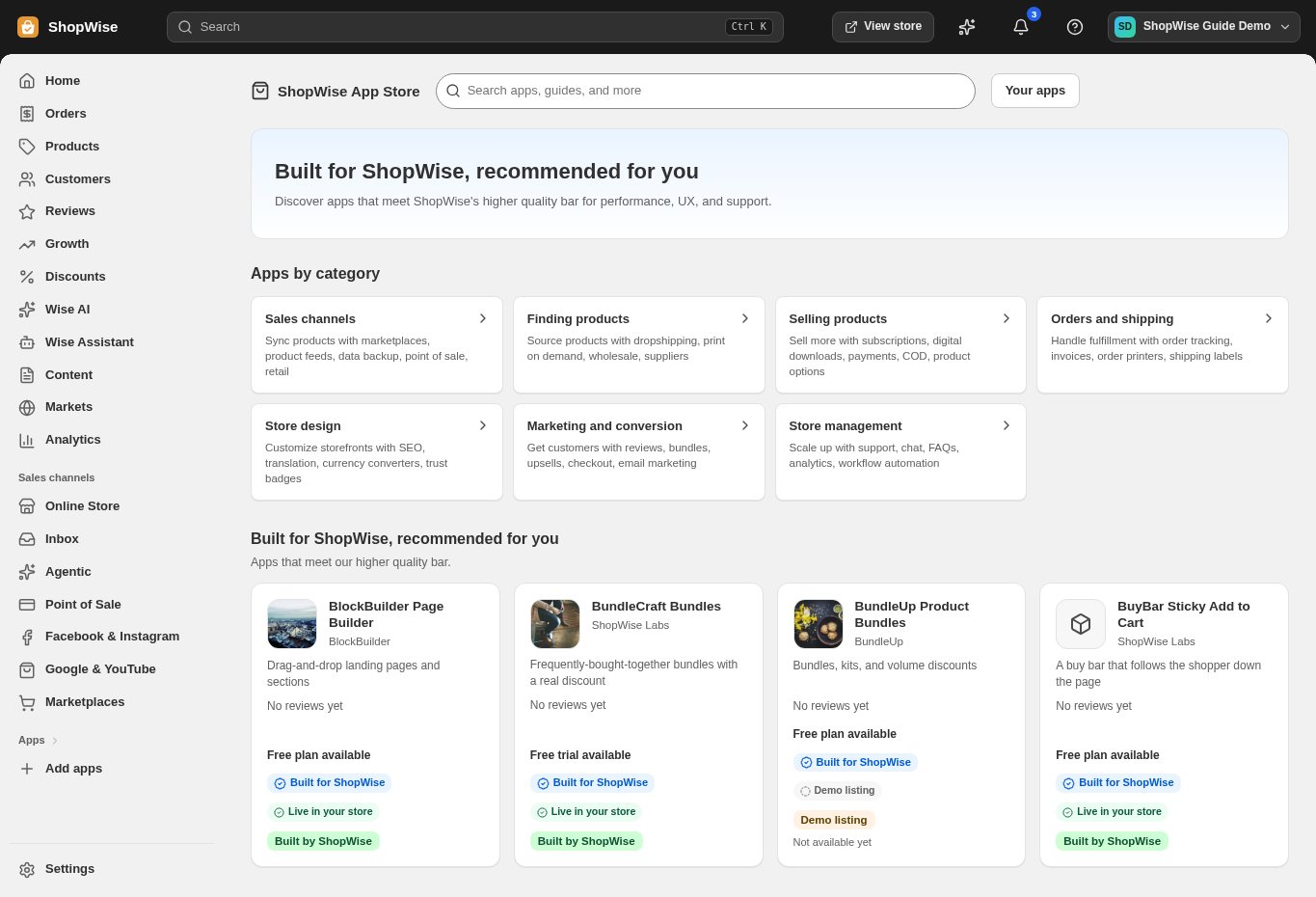
3. Choose and install
Sign in to the store where you want to use the app. Review its requested access and choose a plan that fits your usage. Paid plans and provider charges are separate from your store package.
4. Configure and preview
Open the app from your admin and complete its setup. If it adds a storefront component, enable the appropriate app block or section in your theme. Preview on desktop and mobile before publishing.
5. Test the customer journey
Use sample products or a test order to check the result. Review app usage and plan limits before increasing traffic. Contact the app’s support team through the listing if the result differs from what you expected.