



1. Treat each listing as a checklist, not a blank page
Shoppers cannot touch the product, so the listing does the job of a good shop assistant. The fastest way to write good listings at scale is a fixed recipe: the same sections, the same photo set, the same checks, every time.
For page layout and design choices, see our guide to product pages that answer the next question. This guide is about the content you put into each product.
2. Write a title that works everywhere
Your title appears on the product page, in collections, in search results and in order emails. Lead with what the item is, then the detail that sets it apart: “Stoneware Mug, 350 ml — Speckled Sand”.
Avoid keyword stuffing and avoid shouting (“BEST SELLER!!”). Keep sale messages out of titles; they go stale and follow the product into order history.
3. Structure the description
A scannable description answers the questions in the order a shopper asks them.
- One or two sentences: what it is and who it is for.
- Key benefits as a short list — three to five points.
- Specifications: dimensions, materials, capacity, compatibility, ingredients.
- Care, assembly or usage notes.
- What is in the box, and anything that is not included.
4. Plan a standard photo set
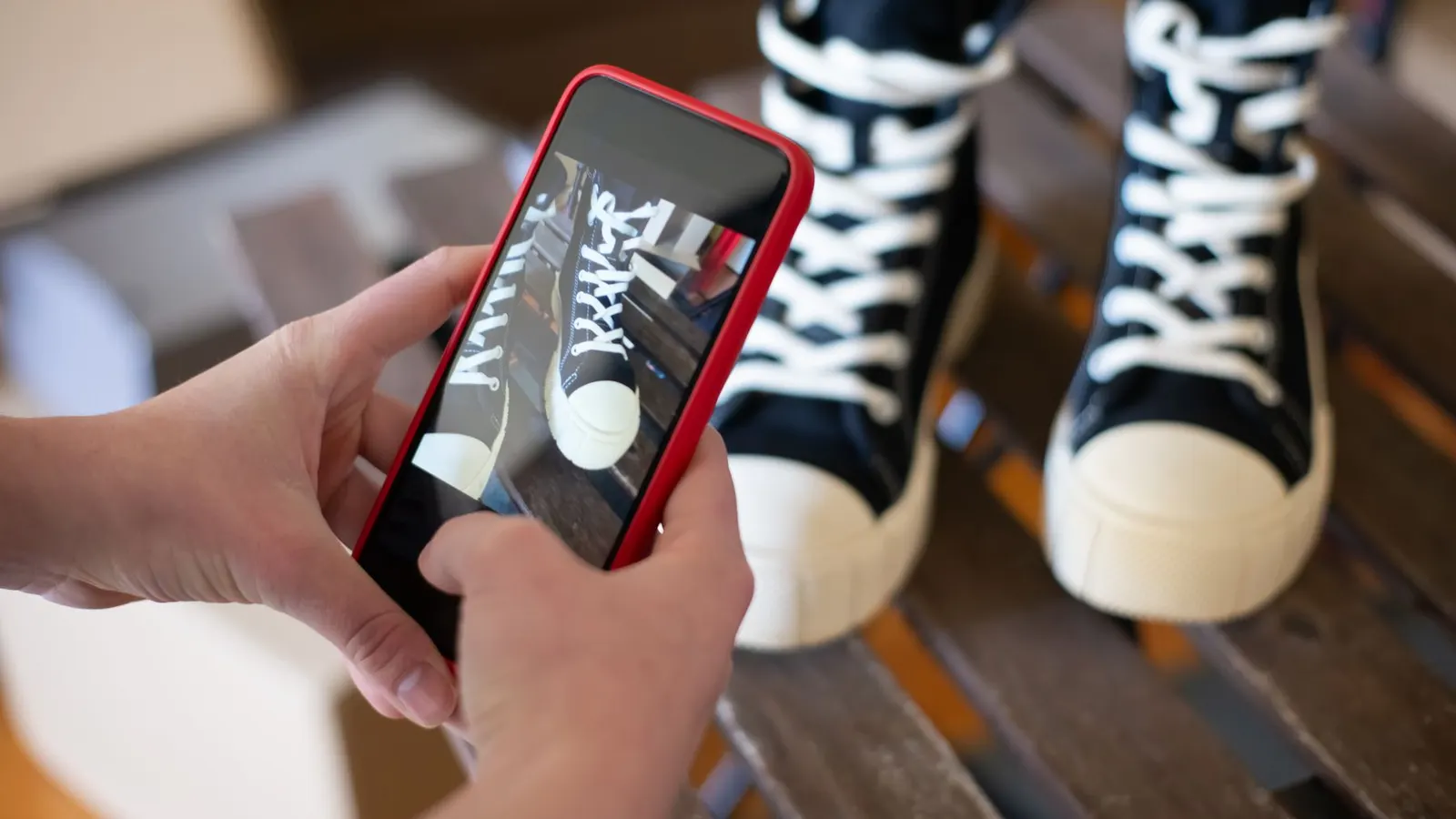
Decide the shots every product gets, then shoot them the same way each time so collections look consistent.
A solid default set: a clean front shot as the featured image, a back or side view, a close-up of material or detail, an in-use or lifestyle shot, a scale shot next to something familiar, and one per colour variant. A product can hold up to 250 media items, including video and 3D models, but a well-chosen six beats a careless twenty.
5. Add alt text and crop with care
Fill in alt text for every image by describing what is shown — “Speckled sand mug held in one hand, side view”. It helps shoppers using screen readers and feeds the SEO assistant.
Use the crop tool on Lulu-hosted images to fix framing. It creates a new image and keeps your original.
6. Price with your margin in view
Enter Cost per item alongside the price so Lulu shows profit and margin as you type. Use Compare-at price only for a genuine markdown from a price the item really sold at.
If you sell by weight or volume, turn on a unit price so shoppers can compare like for like.
7. Finish the search listing
In the Search engine listing card, review the page title (up to 70 characters) and meta description (up to 320). Left blank, they fall back to the product title and description. Set a focus keyphrase and work through the SEO assistant’s suggestions — they are guidance, not blockers.
If you change a product’s URL handle later, accept the offered redirect so existing links keep working.
Tips and tricks
- Draft descriptions with Wise AI if it helps, but check every fact against the product in your hand.
- Keep a shared listing template so every team member writes in the same structure.
- Leave new products in Draft until all photos, variants, weights and stock are in.
- Re-shoot your top five products first when you improve your photography setup.
- Read customer questions every month and add the answers to the listing.
Checklist
- Title follows your pattern
- Description has benefits, specs, care and box contents
- Standard photo set uploaded, featured image chosen
- Alt text on every image
- Price, cost and any unit price set
- Search listing reviewed
Explore the Lulu platform, compare packages, or ask the team about your setup.