



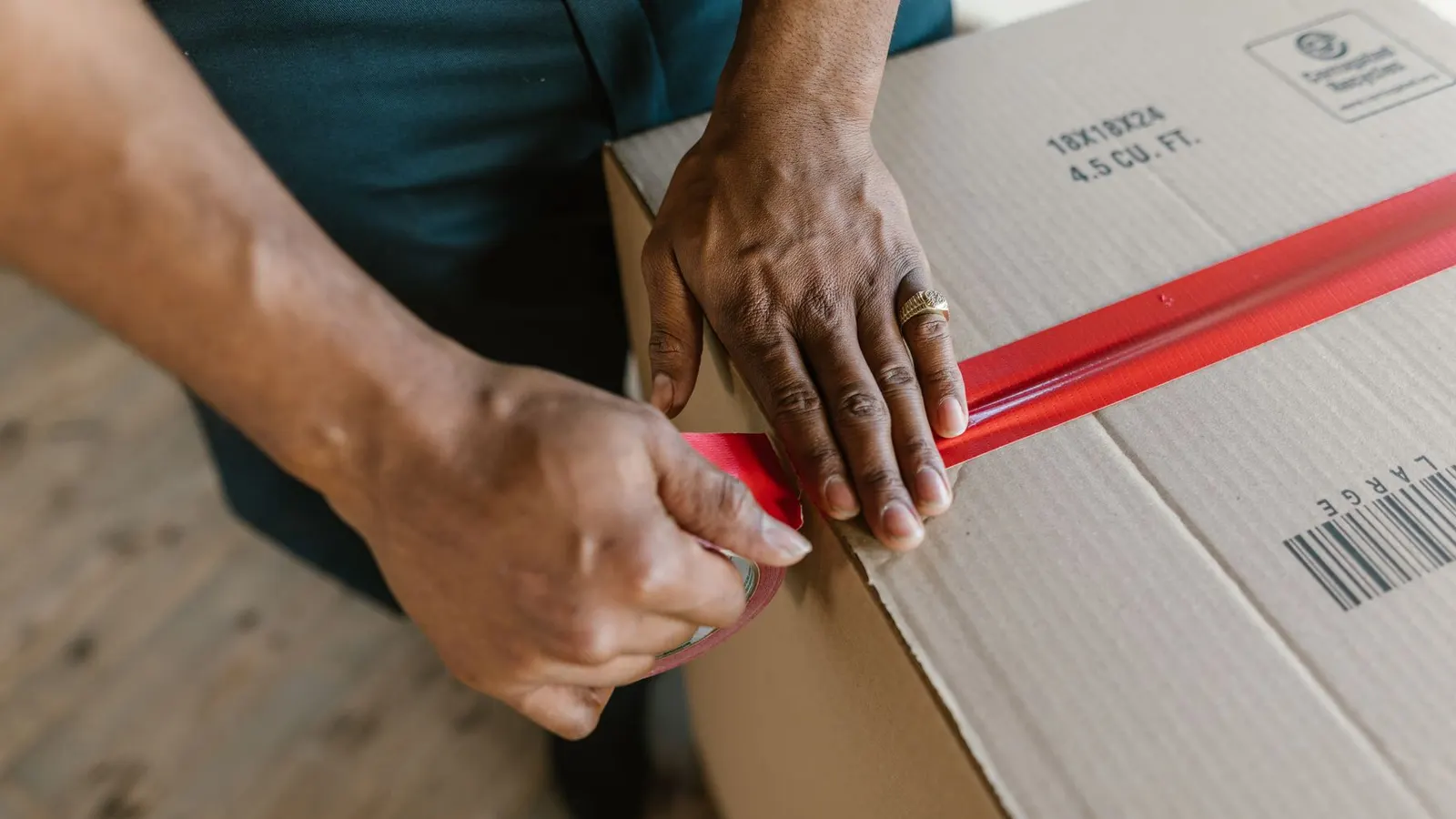
1. A routine beats heroics
Packing problems rarely come from one big mistake. They come from small ones repeated: the wrong size picked, a slip forgotten, a tracking number typed into a note instead of the fulfilment.
A fixed daily routine — same order, same station, same checks — keeps mistakes rare and makes it easy to hand the job to someone else.
2. Start from the right queue
On Orders, the Unfulfilled tab and the Fulfillment filter show what still needs to go out. Combine them with the Payment filter so you only pick orders that are actually paid, unless your policy says otherwise.
If something is wrong with an order — a suspicious address, a missing item, an unpaid balance — put it on hold with a reason. A held order moves to the On hold tab and cannot be fulfilled until the hold is released, so it cannot be shipped by accident.
3. Batch your picking
Picking order by order means walking the same shelves again and again. Instead, select the day’s orders and choose Print packing slips from the bulk bar: you get one printable page with a slip per order.
Sort the slips, walk the shelves once collecting everything, then pack order by order at the station. Pick by SKU, not by product title, to avoid grabbing the wrong size or colour.
4. Set up a packing station
A good station has everything within arm’s reach: your saved box and envelope sizes, void fill, tape, a scale, a printer for slips and labels, and your inserts.
Save the boxes you actually use under Settings → Shipping and delivery → Packages, with real dimensions and empty weight, and set a default. These are used when you buy labels through Shippo and in the rates preview. They don't change fixed-price rates, but a package's empty weight is added to the order weight for weight-based rates, and its size is used for live carrier quotes.
5. Pack to protect
Choose the smallest box that fits the item with room for protection. Too big a box costs more to ship and lets items move; too small crushes corners.
Wrap fragile items individually, fill empty space so nothing shifts when shaken, put heavy items at the bottom, and keep liquids sealed in a bag. Put the packing slip on top, where it is the first thing the customer sees.
6. Record the shipment properly
Recording the fulfilment on the order is what tells the customer, and your team, that it has gone.
- Open the order and check the items and quantities to fulfil.
- Choose the carrier from the list and enter the tracking number — the tracking link is worked out from the carrier and number if you leave the URL blank.
- Leave “Send shipment details to the customer” ticked unless you have a reason not to.
- Choose Fulfill items.
- If you bought the label through Shippo or ShipStation, the tracking is added for you.
7. Ship part of an order when you need to
If one item is delayed, you do not have to hold the whole order. Reduce the quantity on the delayed line before choosing Fulfill items, and fulfil the rest later as a separate shipment with its own tracking. Each shipment appears on the order.
Tell the customer what is coming and when — a split shipment without an explanation looks like a missing item.
8. Handle local pickup separately
Orders placed with local pickup show a Pickup card instead of the shipping form. Mark the order ready for pickup when it is packed and waiting — the customer can be emailed — and mark it picked up when they collect.
Keep pickup orders on a separate, labelled shelf, and ask for the order number at the counter.
9. Fix mistakes quickly
A wrong tracking number can be corrected with Edit tracking on the fulfilment card; the customer gets a shipping update email only when the number or carrier actually changes. For a wrong item, follow your returns process (return or refund the item, then create a new order or draft order for the replacement) and record it on the order timeline so the next person sees the history.
Tips and tricks
- Pack in the same order every day — oldest paid orders first — so nobody waits unfairly.
- Weigh one of each common order type and note the results; it speeds up label buying.
- Use a staff-only comment on the order timeline for anything the next person should know.
- Tape a copy of your packing checklist above the station.
- Accept orders and set an expected delivery date if you make or source to order — customers see that date.
Checklist
- Only paid, unheld orders in today’s queue
- Packing slips printed in one batch
- Picked by SKU and double-checked against the slip
- Box sized to the item, empty space filled
- Fulfilment recorded with carrier and tracking
- Pickup orders marked ready
Explore the Lulu platform, compare packages, or ask the team about your setup.